Skip to content

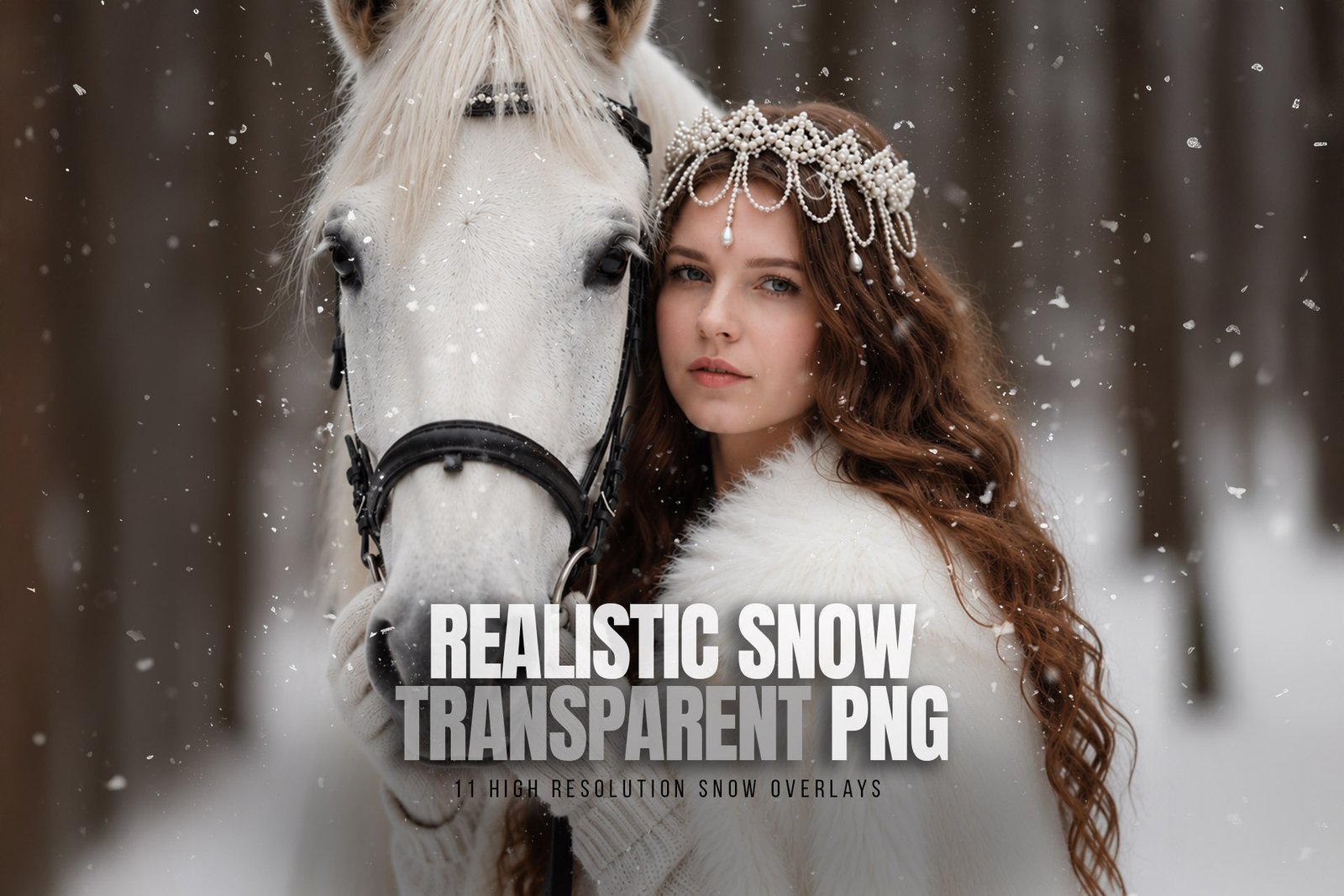
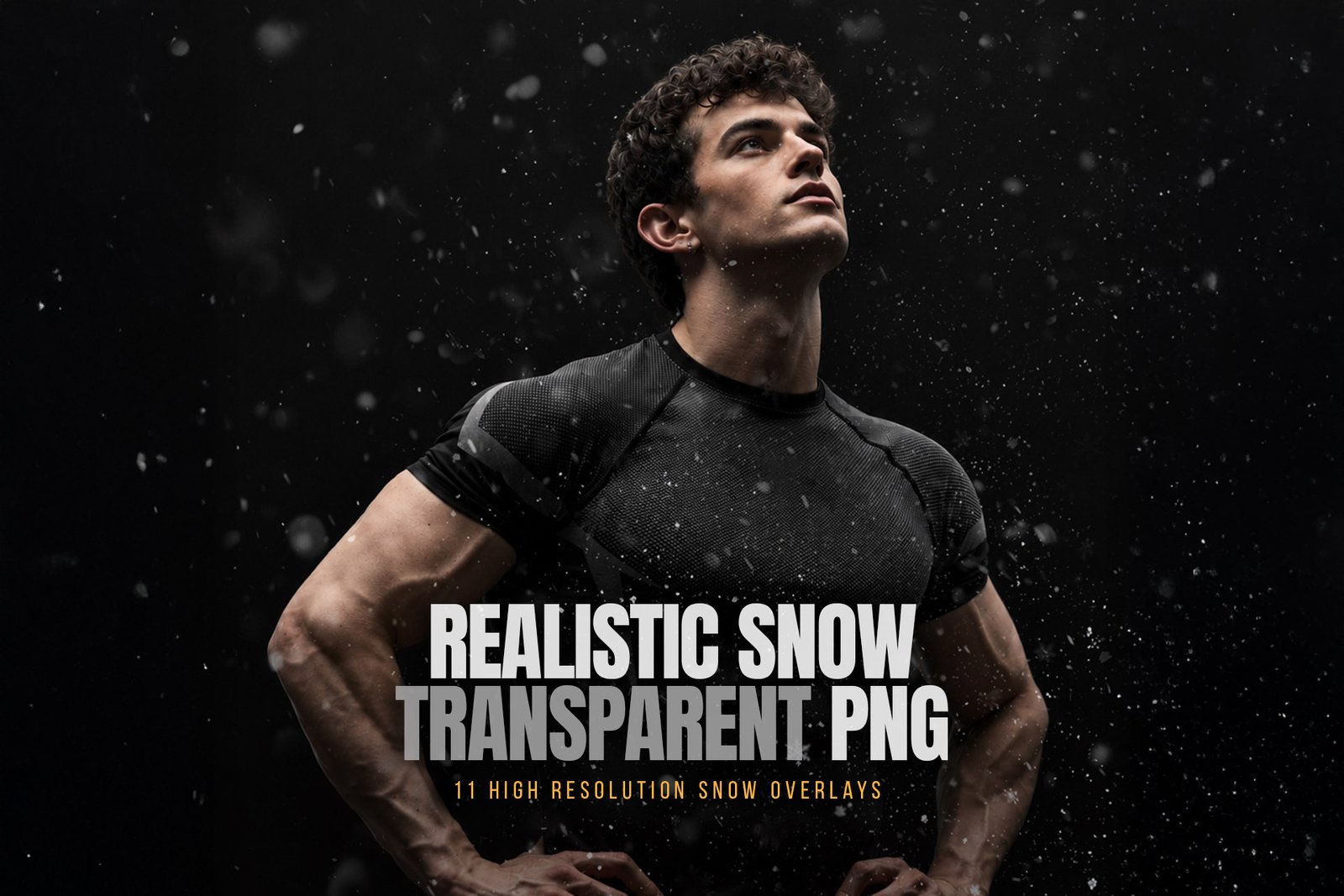
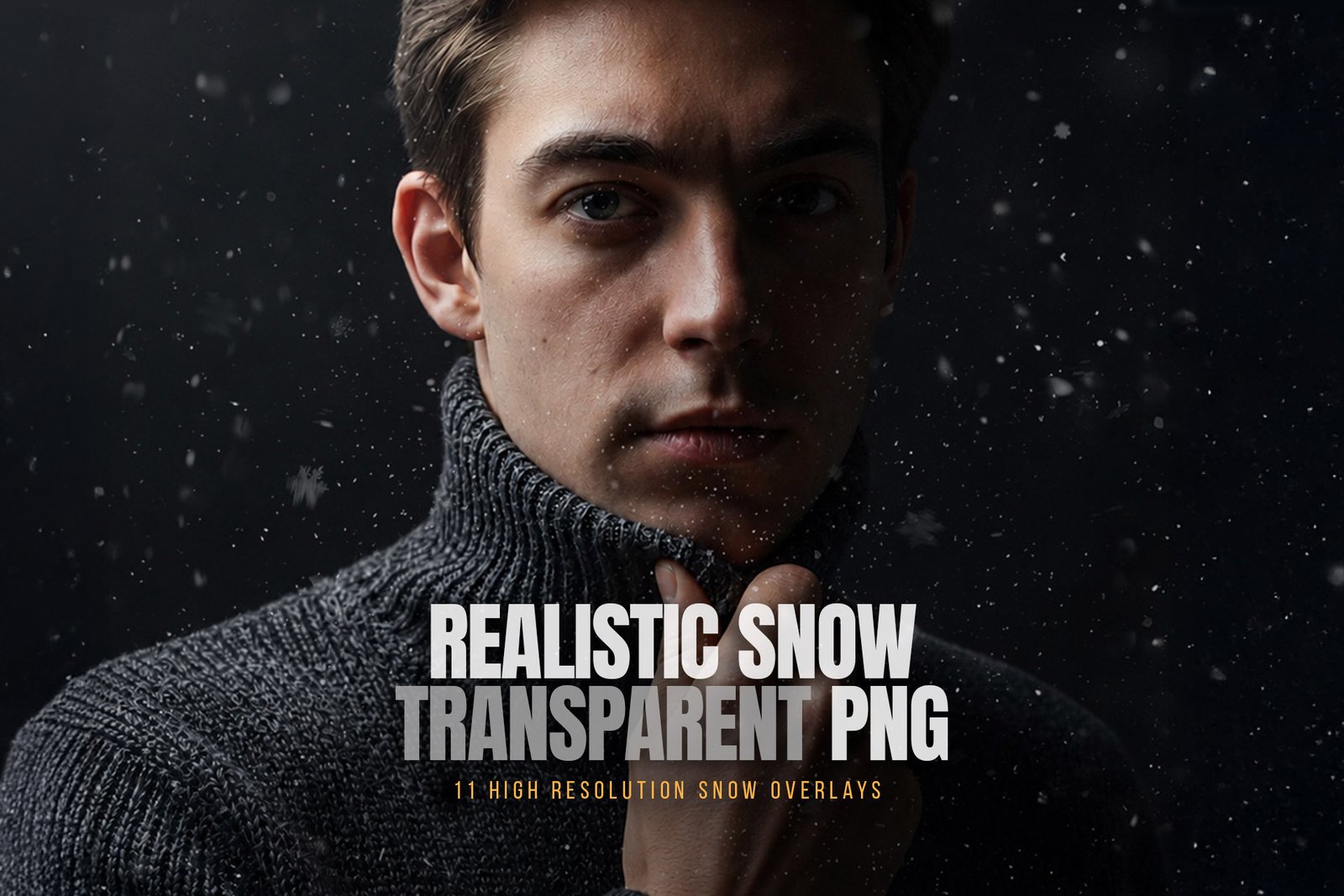
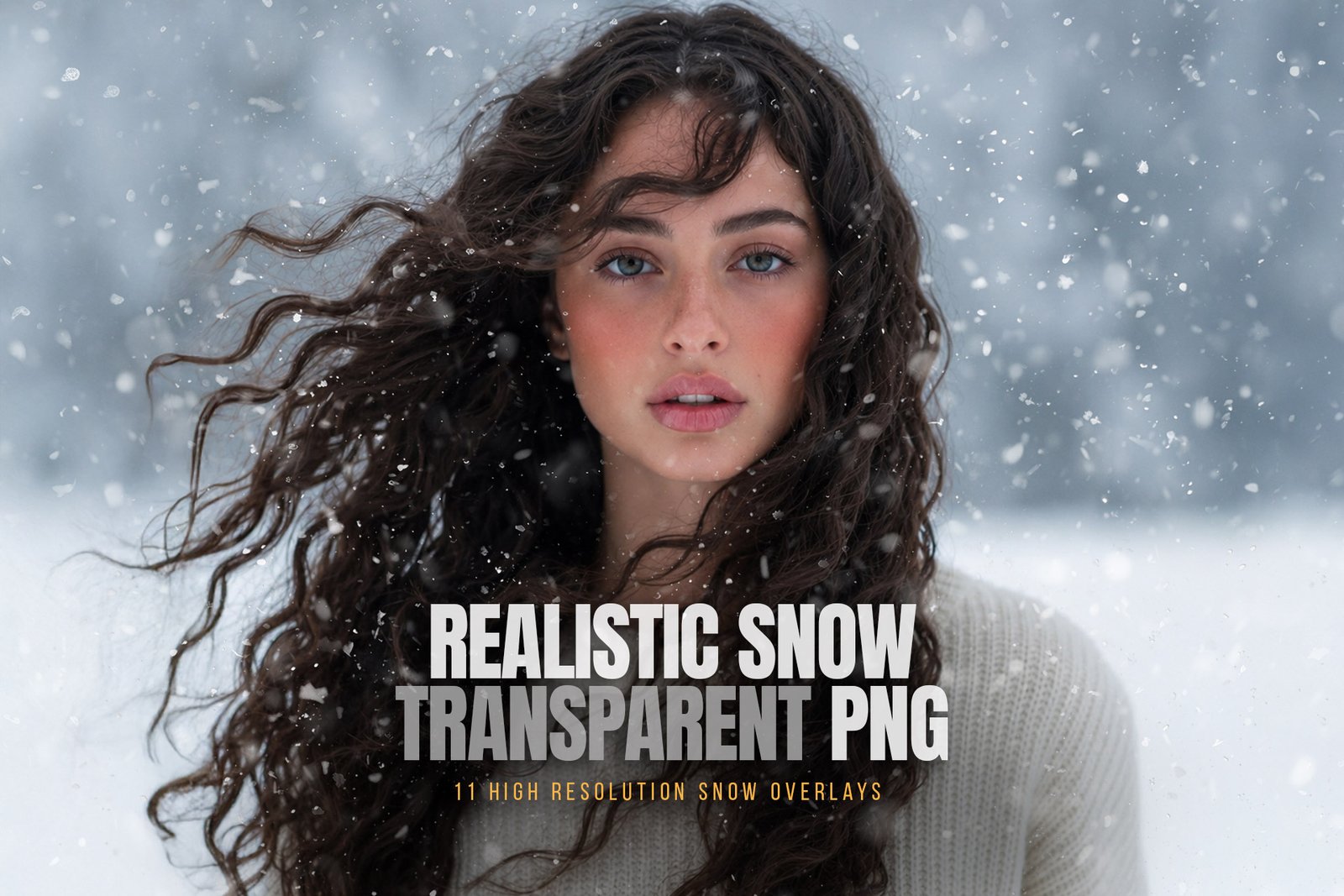
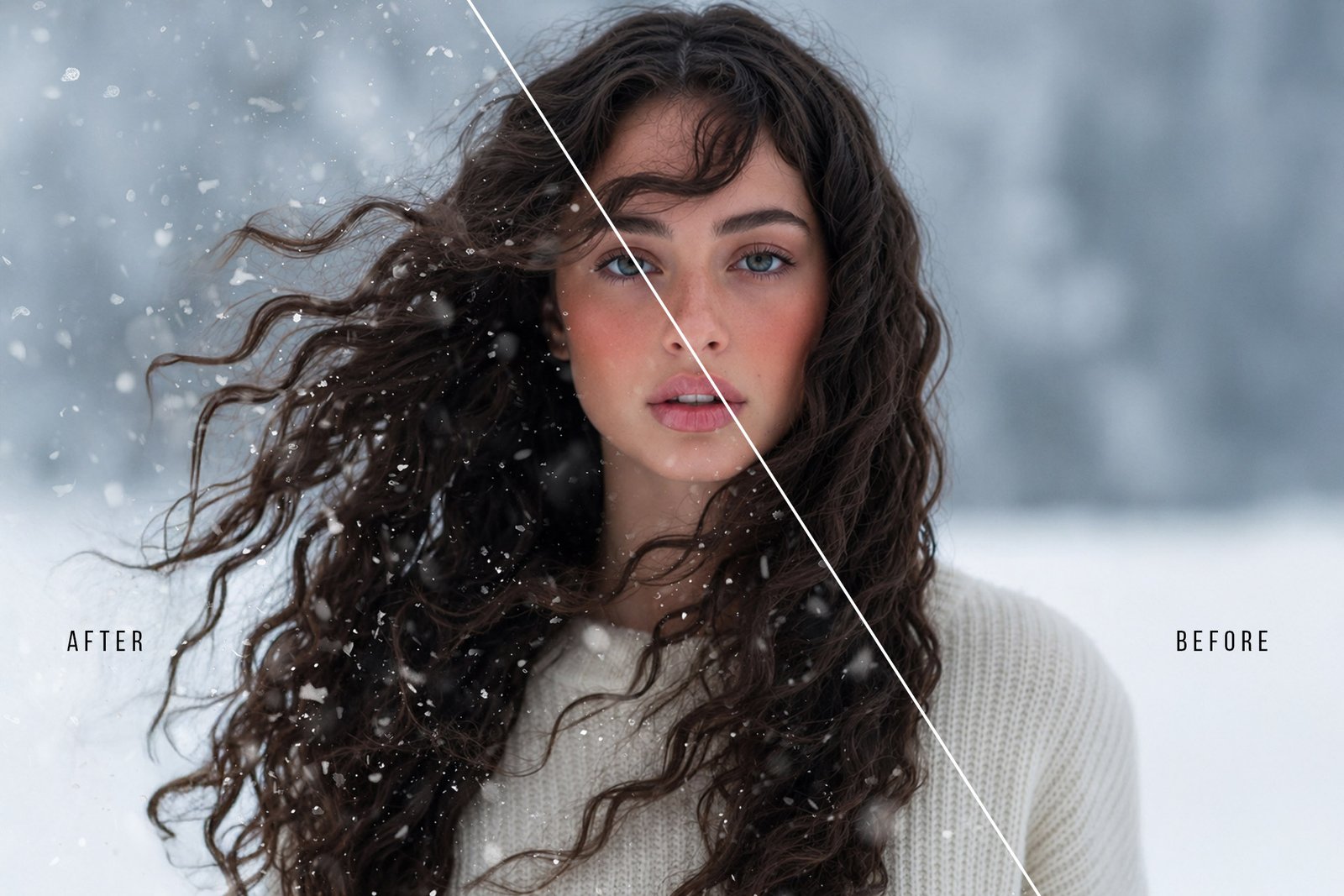





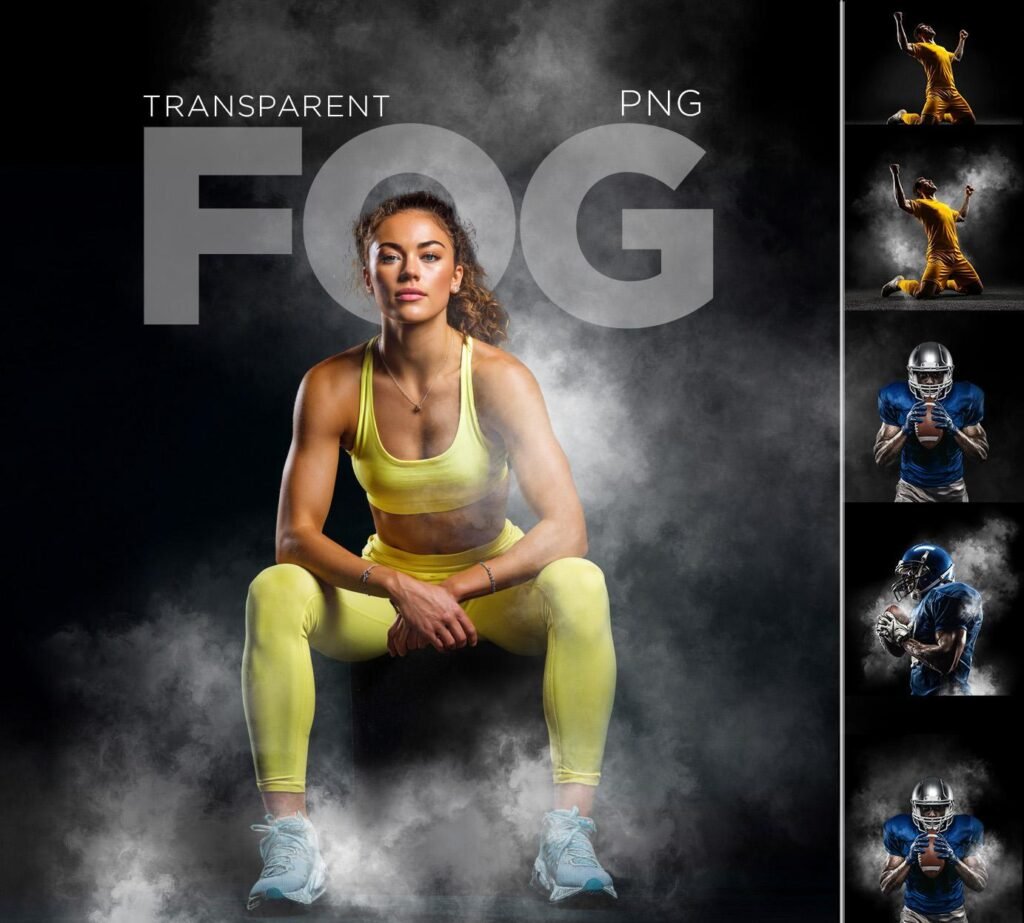
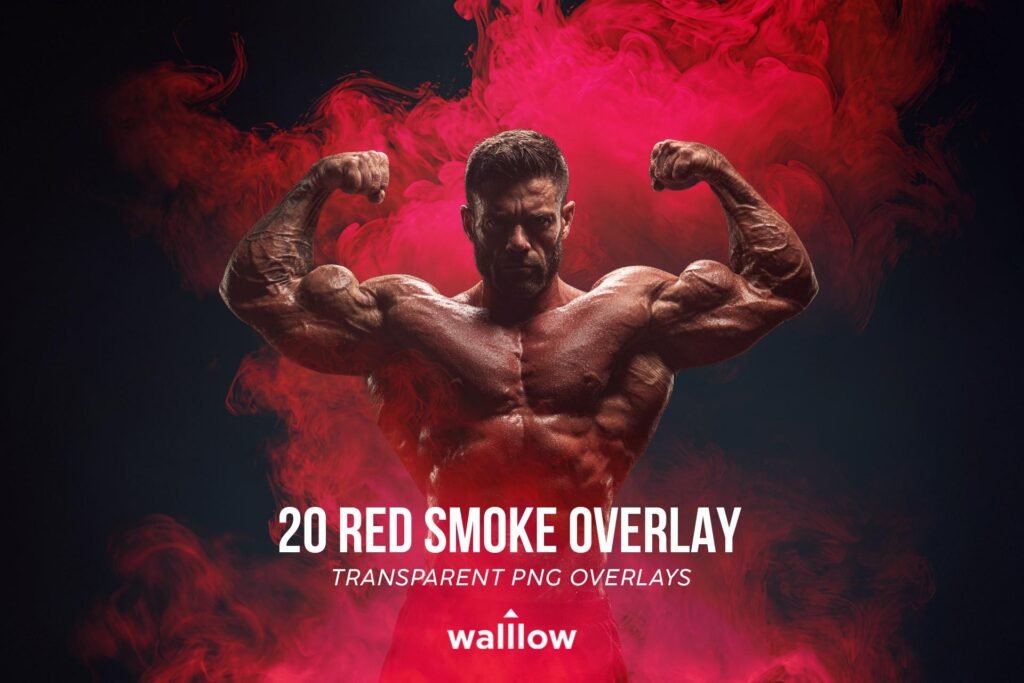
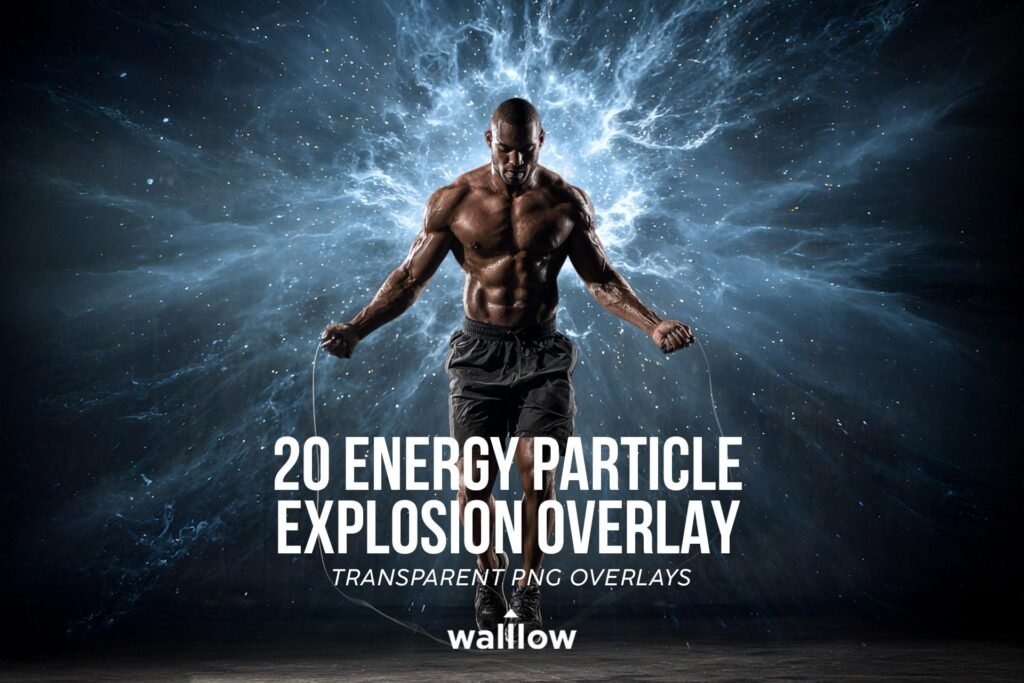
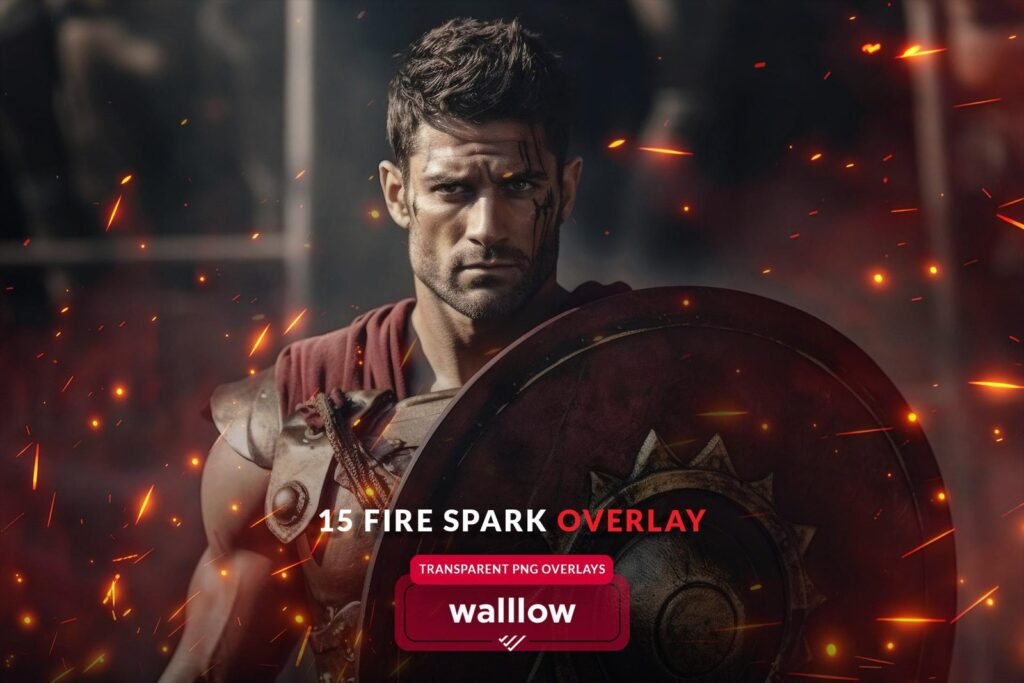
Create stunning winter portraits in seconds with our 11 Realistic Snow Burst Overlays. Each overlay is a high-resolution transparent PNG, allowing you to instantly add natural-looking snowfall to your photos without masking or complicated editing.
Perfect for photographers, photo editors, and designers creating winter portraits, sports photography, Christmas photos, fantasy artwork, and cinematic composites.
Simply drag, drop, resize, and you’re done.
Whether you’re editing portraits, sports photos, outdoor adventures, weddings, or holiday images, these overlays help you achieve stunning results quickly.
🌨️ What You’ll Receive:
❤ 11 high-resolution snow overlays
❤ Transparent PNG files
❤ 300 DPI, High Quality (HQ)
❤ size: 4096×4096 pixels
❤ help file
❤ Compatible with popular photo editing software (Photoshop, Photoshop Elements, Lightroom Classic, GIMP, Photopea, Canva, Evoto etc.).
❤ Support! Please contact us with any questions at walllows [at] gmail.com
Perfect For
- Portrait Photography
- Sports Photography
- Outdoor Photography
- Winter Portraits
- Christmas Photography
- Wedding Photography
- Fantasy Art
- Social Media Content
- Photoshop Composites
- Graphic Design
Compatible With
- Adobe Photoshop
- Photoshop Elements
- Affinity Photo
- Photopea
- Canva (Upload PNG)
- Any software that supports transparent PNG files
VIDEO TUTORIAL:
❄️How to use overlays in PHOTOSHOP:
www.youtube.com/watch?v=6qCbhQMzjk8
❄️How to use overlays in Lightroom:
https://youtu.be/bMh1cn2A0_4?si=8kWaV5vv7rHq50fG
❄️How to use overlays in Lightroom Classic:
❄️HOW to use TRANSPARENT PNG Overlays in CANVA:
https://youtu.be/vodJXisNtoA
*The link to files will be ready for download immediately upon purchase. A knowledge of Photoshop or a similar program is helpful.
LEARN MORE:
Checkout our YouTube channel for more creative ideas and tricks:
https://www.youtube.com/@Walllow.Creative
Please feel free to contact us if you have any questions! We are always happy to help you
Thank you again and We hope you love them!
– Team Walllow