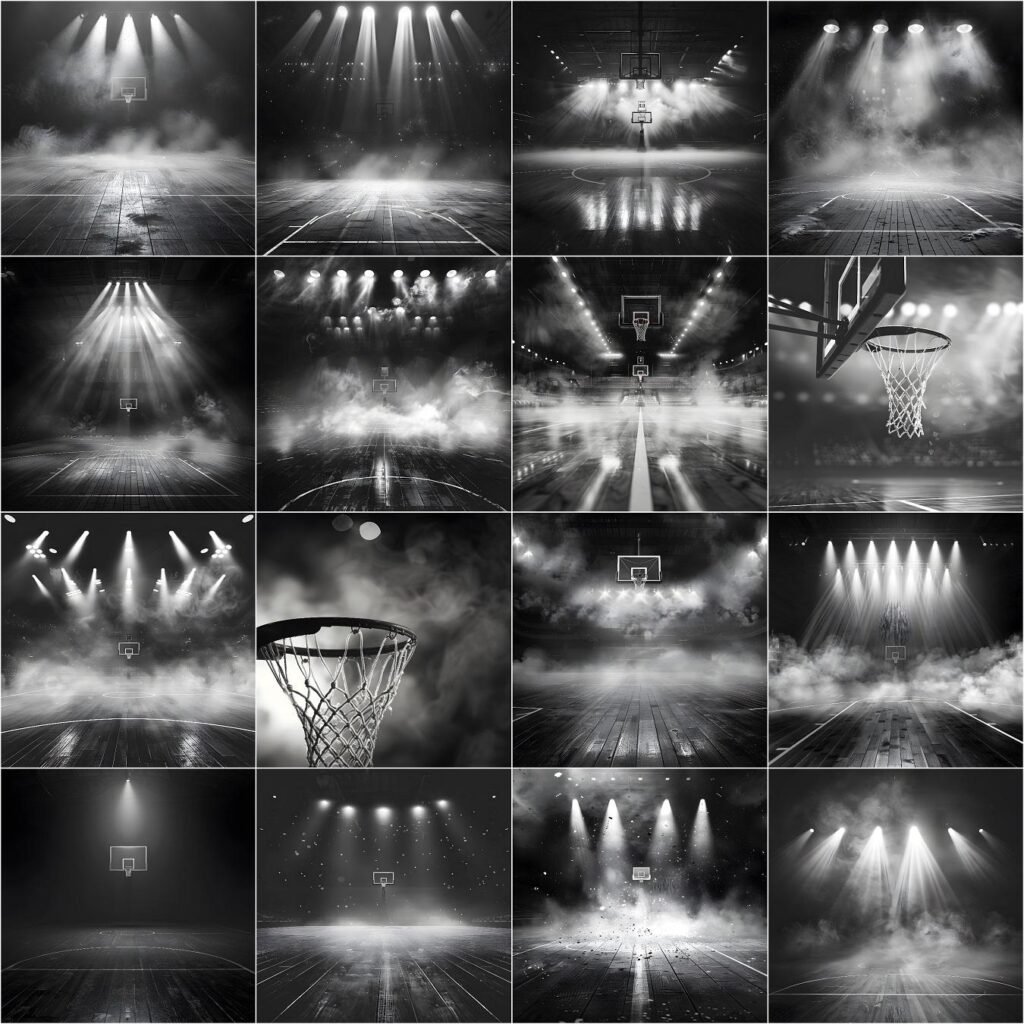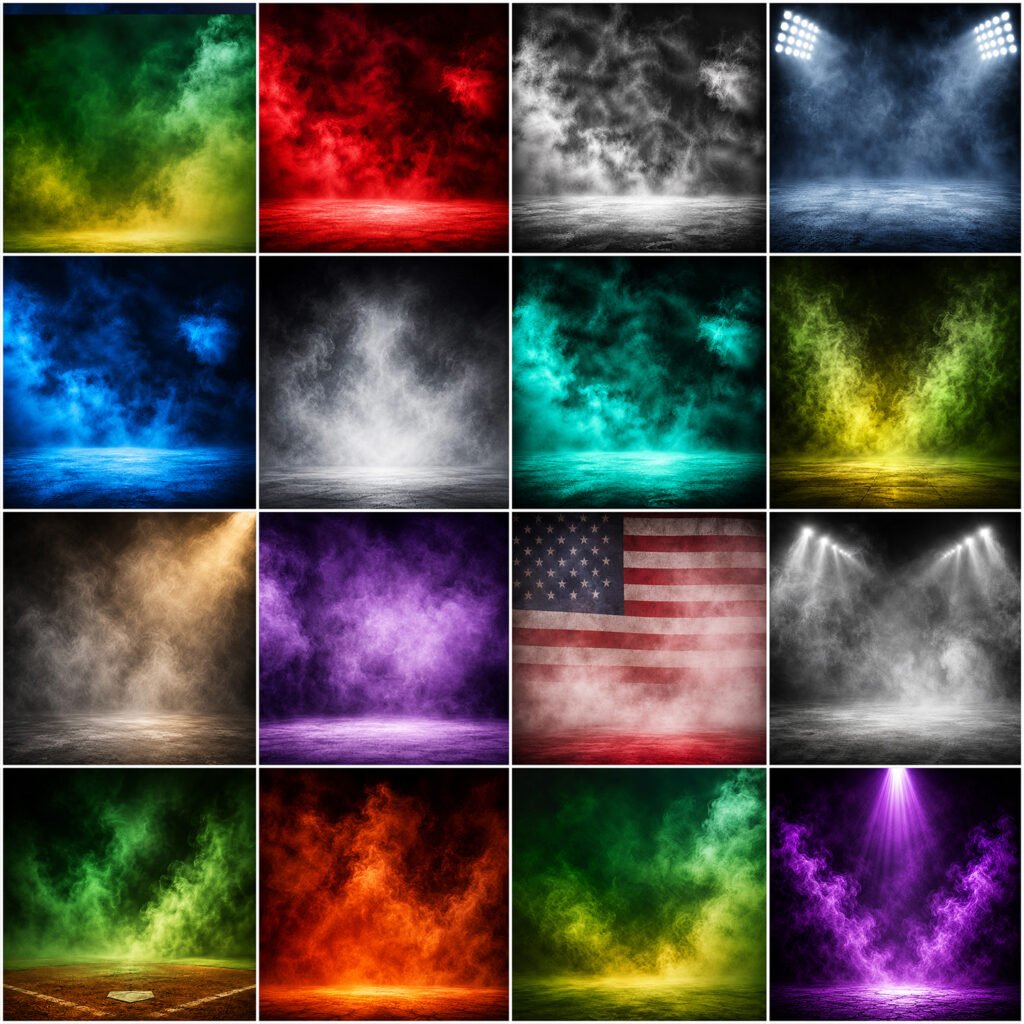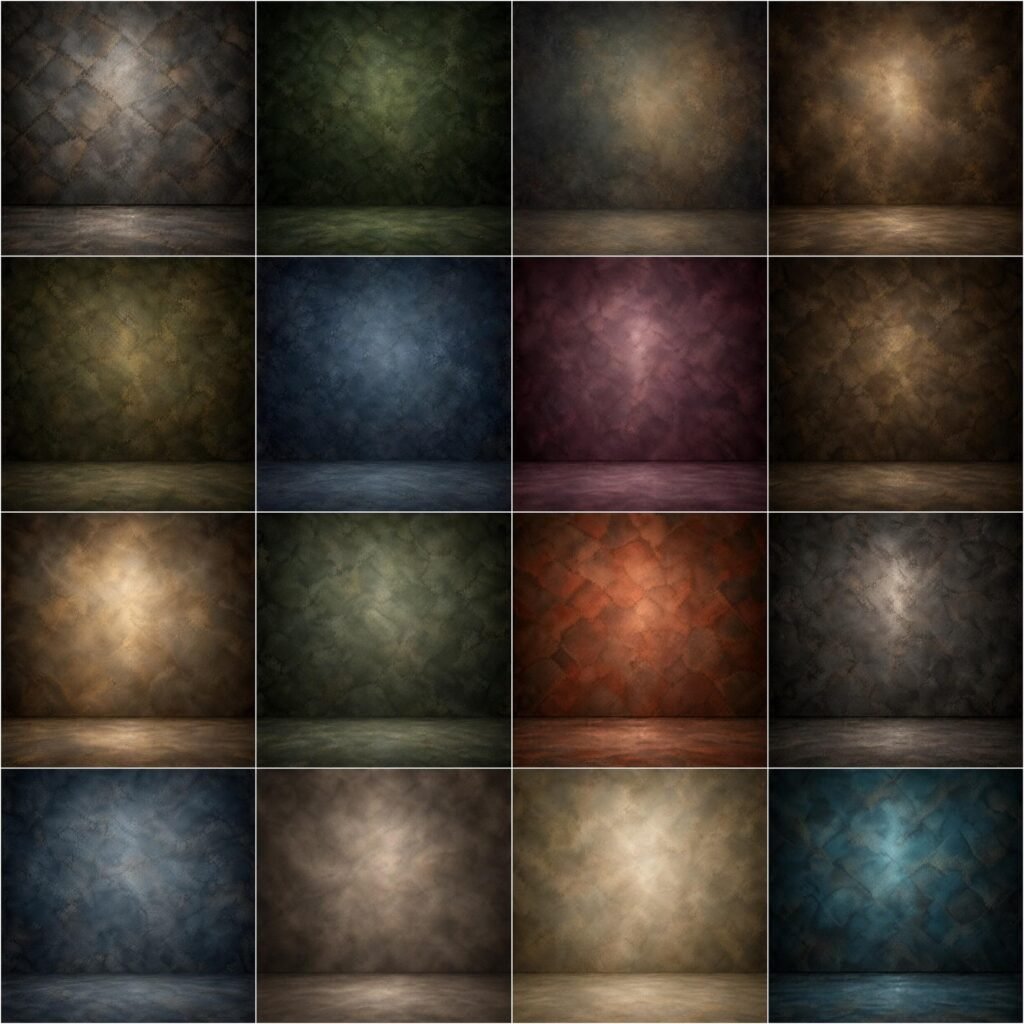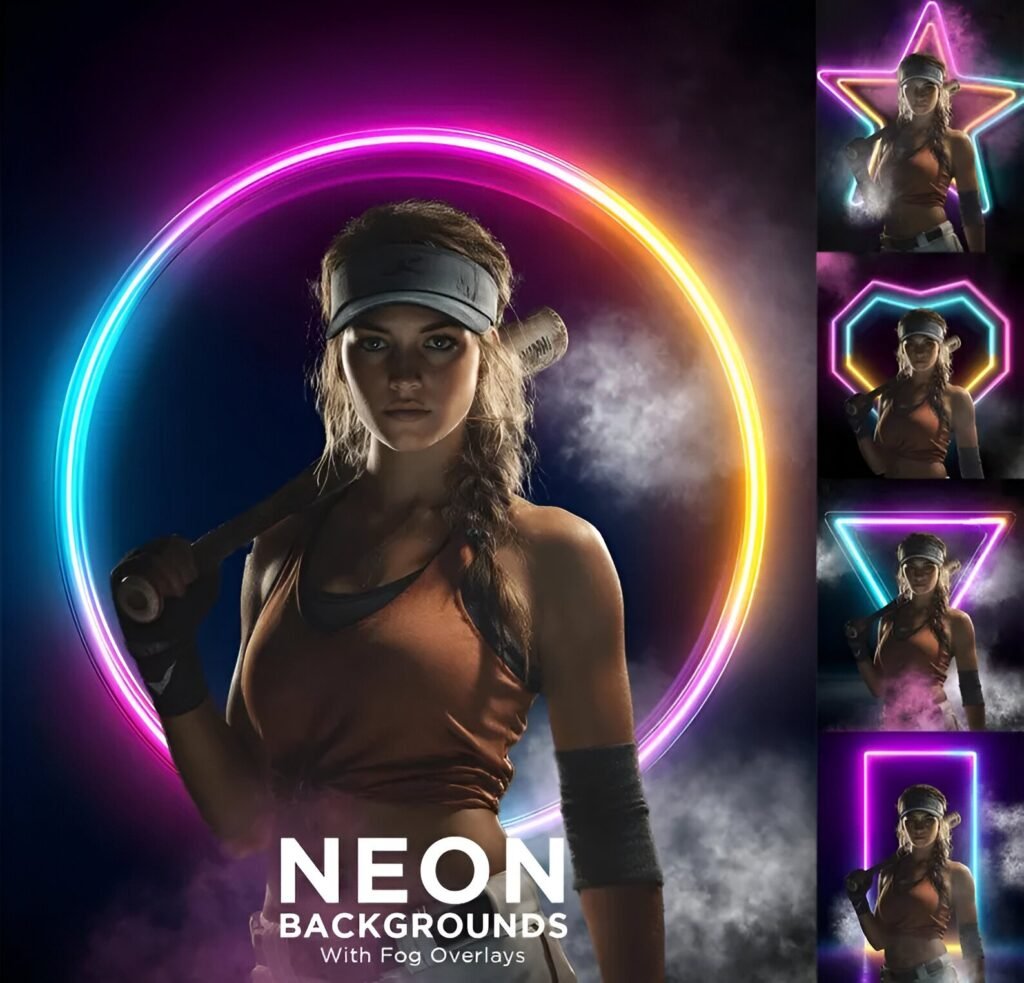

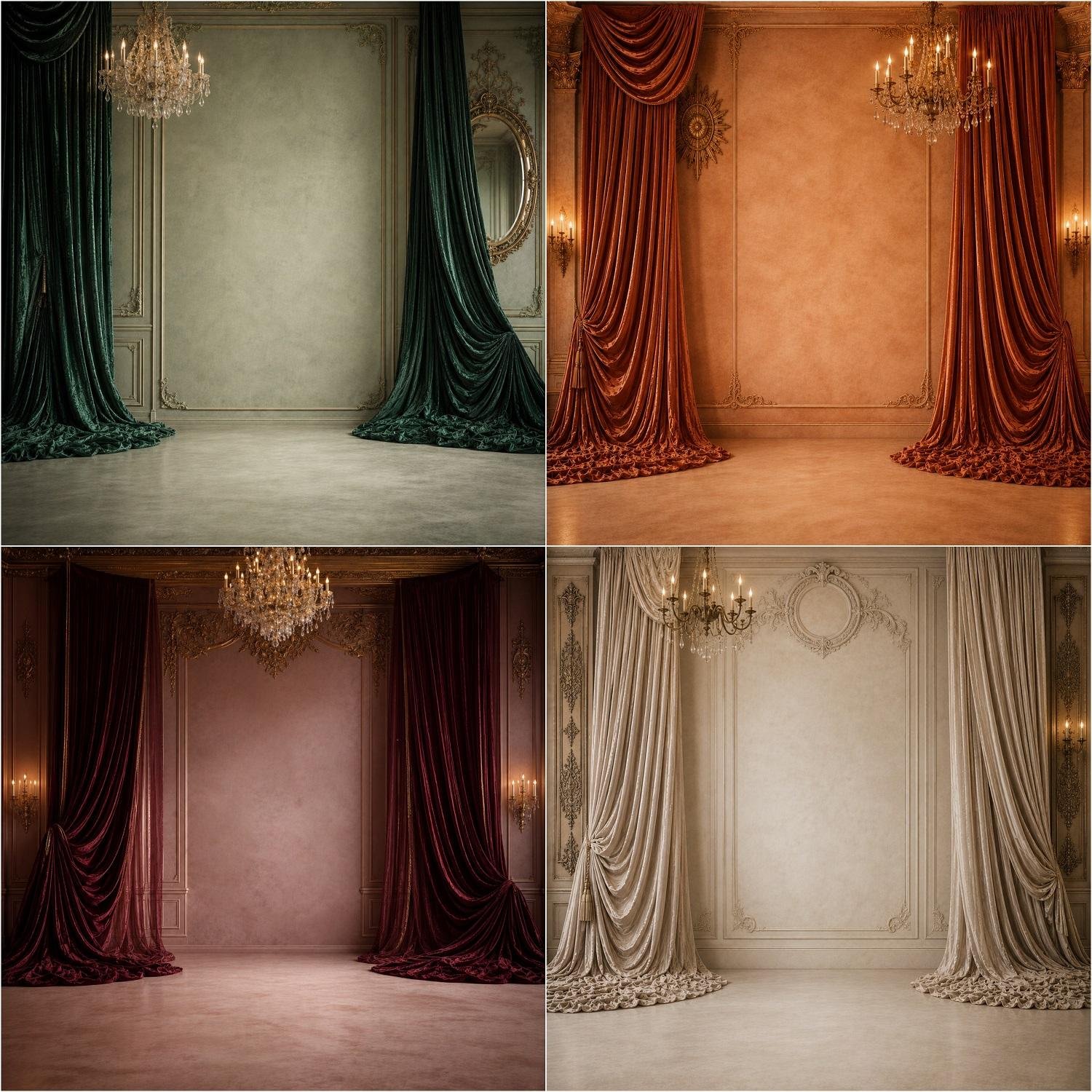
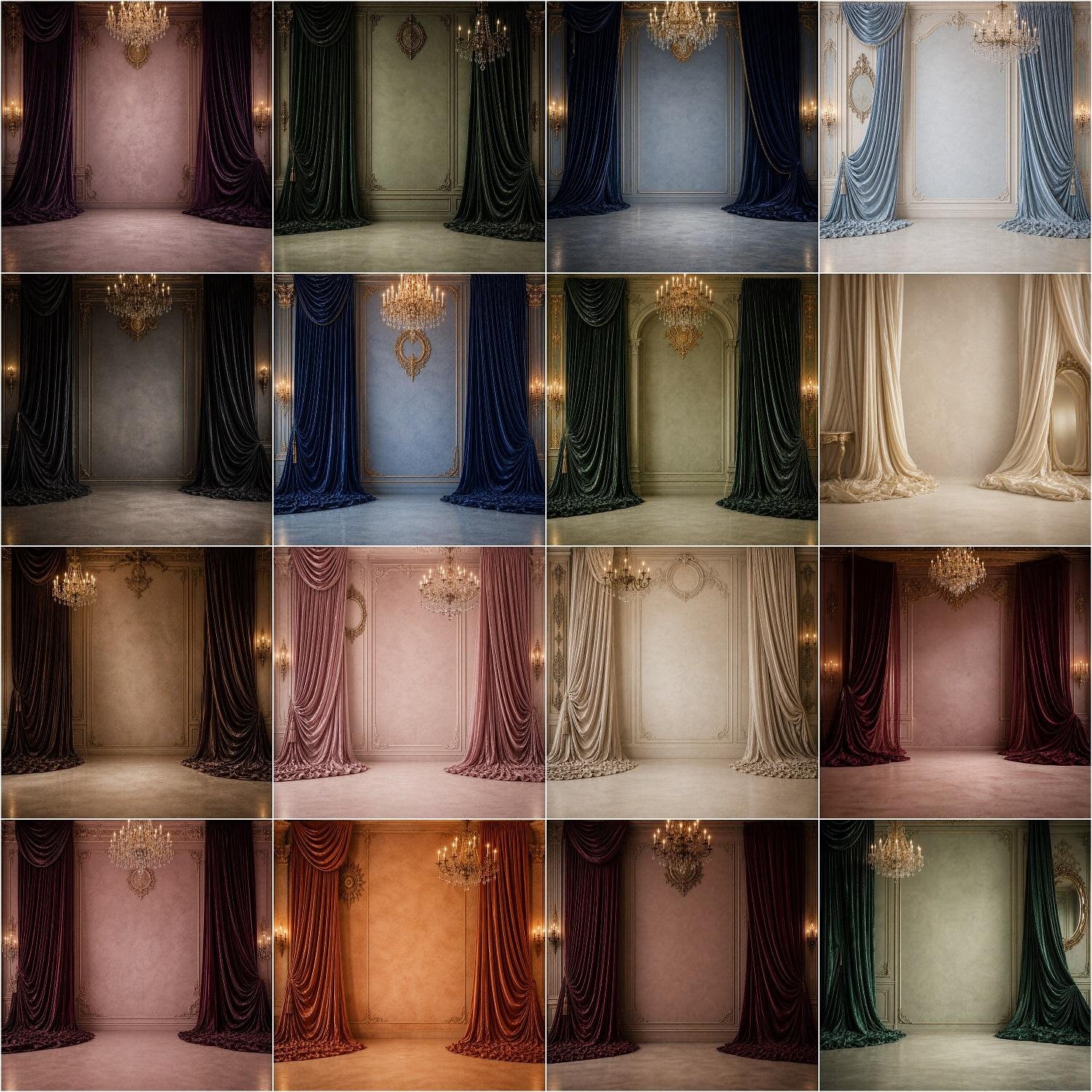
Elevate your studio portraiture to royal elegance with this exquisite collection of 16 luxury velvet curtain digital backdrops. Featuring rich, heavy velvet drapes in emerald green, terracotta, deep burgundy, navy, and cream, this set offers grand chandeliers, wall molding, and ornate wall sconces. Designed specifically for fine-art composite photographers, each high-resolution JPG background provides realistic directional floor lighting and soft shadows for seamless subject blending. It serves as an essential digital asset pack for high-fashion editorials, luxury maternity sessions, bridal portraits, milestone birthdays, and fine-art generational family photos. The diverse gem-tone color palette brings instant drama, warmth, and museum-quality sophistication to standard studio photography setups. Please note that these premium digital files are delivered as high-resolution JPGs optimized specifically for Photoshop composites and professional photo printing.
⚠️ PLEASE READ THE BELOW DESCRIPTION BEFORE PURCHASING THE PRODUCT. ⚠️
🌟INCLUDED IN YOUR PURCHASE
❤ 16 File in jpg format
❤ 4096×4096 px each saved in 300 dpi
🌟 Key Features:
❤ Instant Download
❤ High-Resolution Files
❤ Variety of Styles
❤ Help file and video tutorial included
❤ Easy to Use
❤ Perfect for Various Occasions: Luxury maternity sessions, high-fashion editorials, bridal portraits, milestone birthdays, fine-art family photography, and elegant branding photoshoots.
❤ For any assistance or queries please send a message. We are happy to help you
# ⚠️ PLEASE NOTE: ⚠️
* OUR DIGITAL BACKGROUNDS ARE ARTISTICALLY DESIGNED AND MAY APPEAR SOFT OR SLIGHTLY BLURRED WHEN ZOOMED IN AND MAY HAVE SLIGHT IMPERFECTIONS. THEY ARE NOT PHYSICAL SETS/ PHOTOGRAPHS OF ORIGINAL SETS, BUT RATHER DIGITAL CREATIONS.
* Photoshop knowledge about masking and layer usage is necessary for optimal use of our products. Not to worry, it’s simpler than it seems! Please refer to the tutorial video provided in the description or you may explore other online tutorials for guidance.
HOW TO USE DIGITAL BACKDROPS:
————————————————
Video tutorial: https://youtu.be/r7H7whl88vU
HOW TO USE OVERLAYS IN PHOTOSHOP
——————————————————–
# Open your photo in Photoshop
# Place overlay over your photo
# In the layer panel select the layer blending mode to “SCREEN”
# Delete unwanted overlay parts using the “ERASER” tool
# Combine different overlays to craft a unique and personalized end result.
# Detailed video tutorial links are provided below
VIDEO TUTORIAL:
❄️How to use overlays in PHOTOSHOP:
———————————————————-
www.youtube.com/watch?v=6qCbhQMzjk8
* Before making your purchase, we encourage you to review the sample/preview images or reach out to us if you have any queries. We’re here to help!
* Kindly be aware that these items are digital files only; no physical items will be shipped to you.
* Given the digital nature of our products, we regret to inform you that refunds and exchanges are not possible.
Please feel free to contact us if you have any questions! We are always happy to help you
Thank you again and We hope you love them!
– Team Walllow