Skip to content

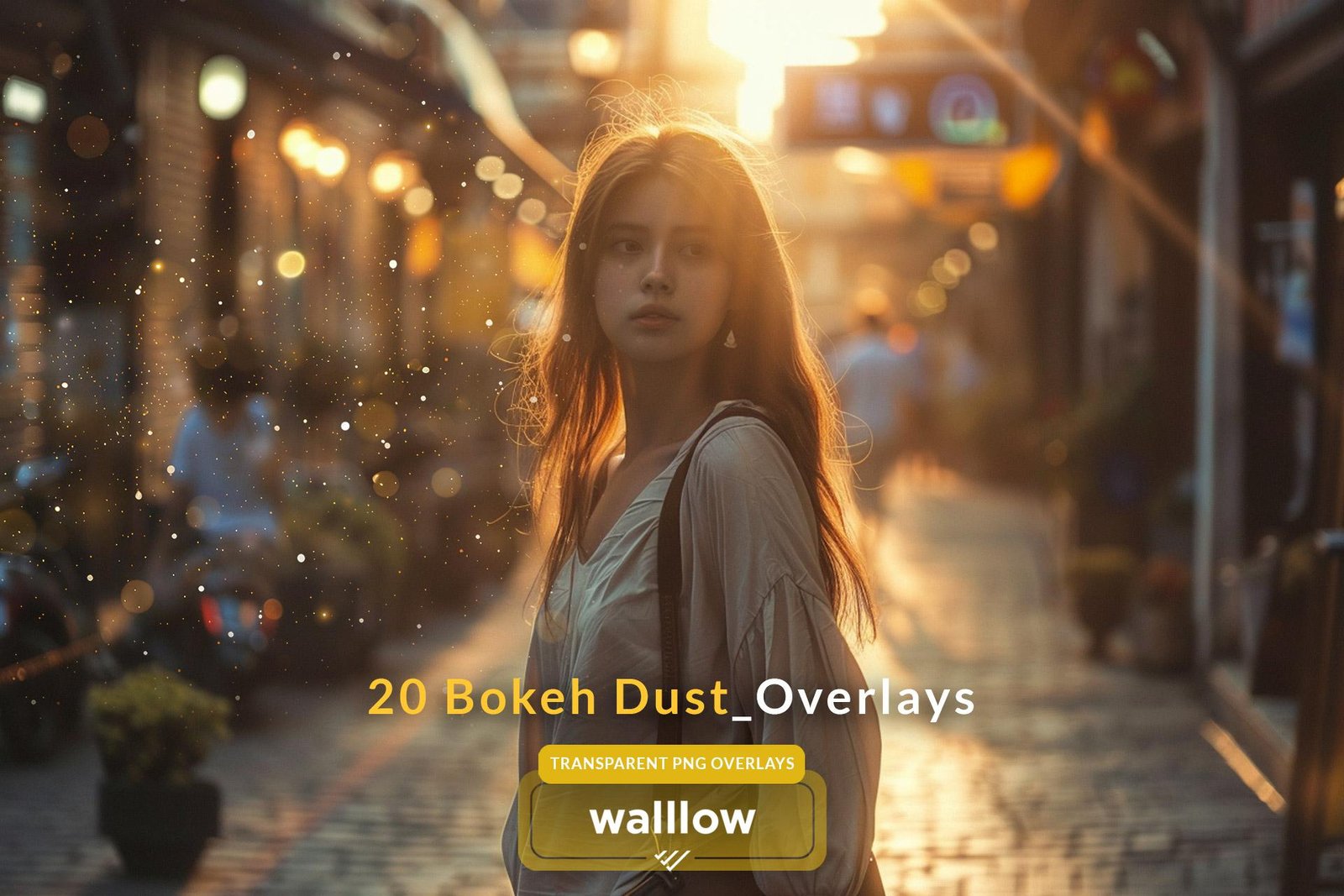
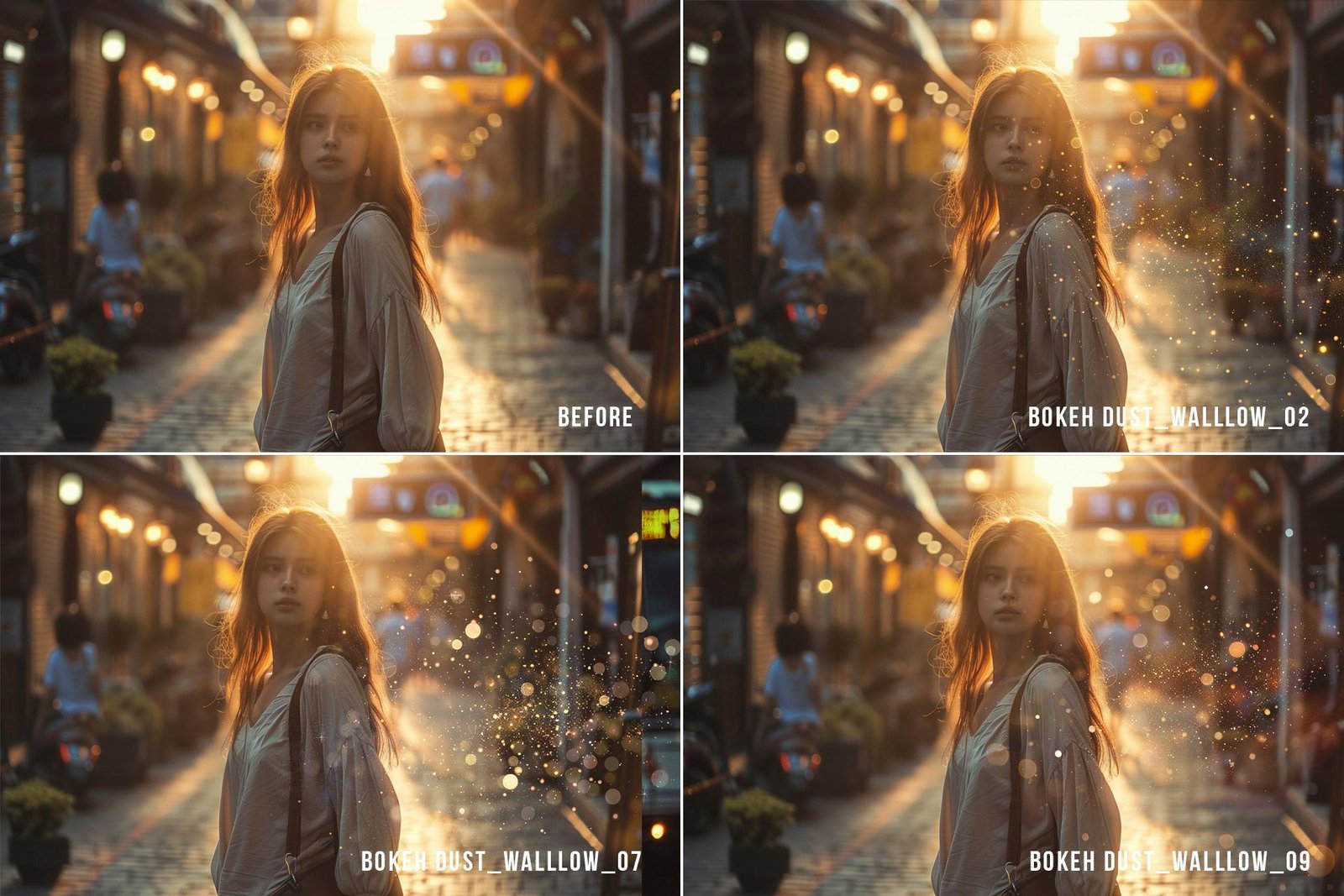
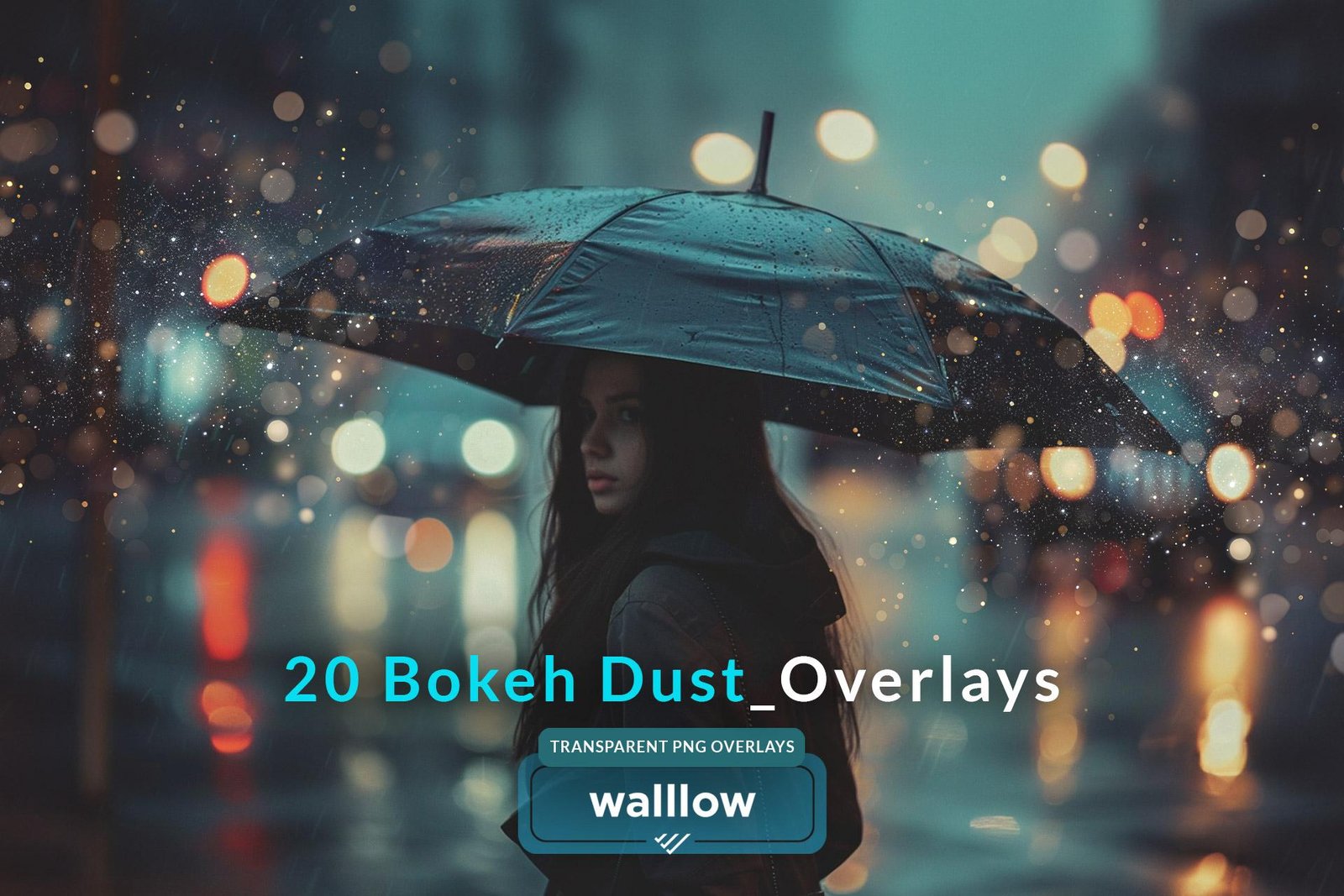
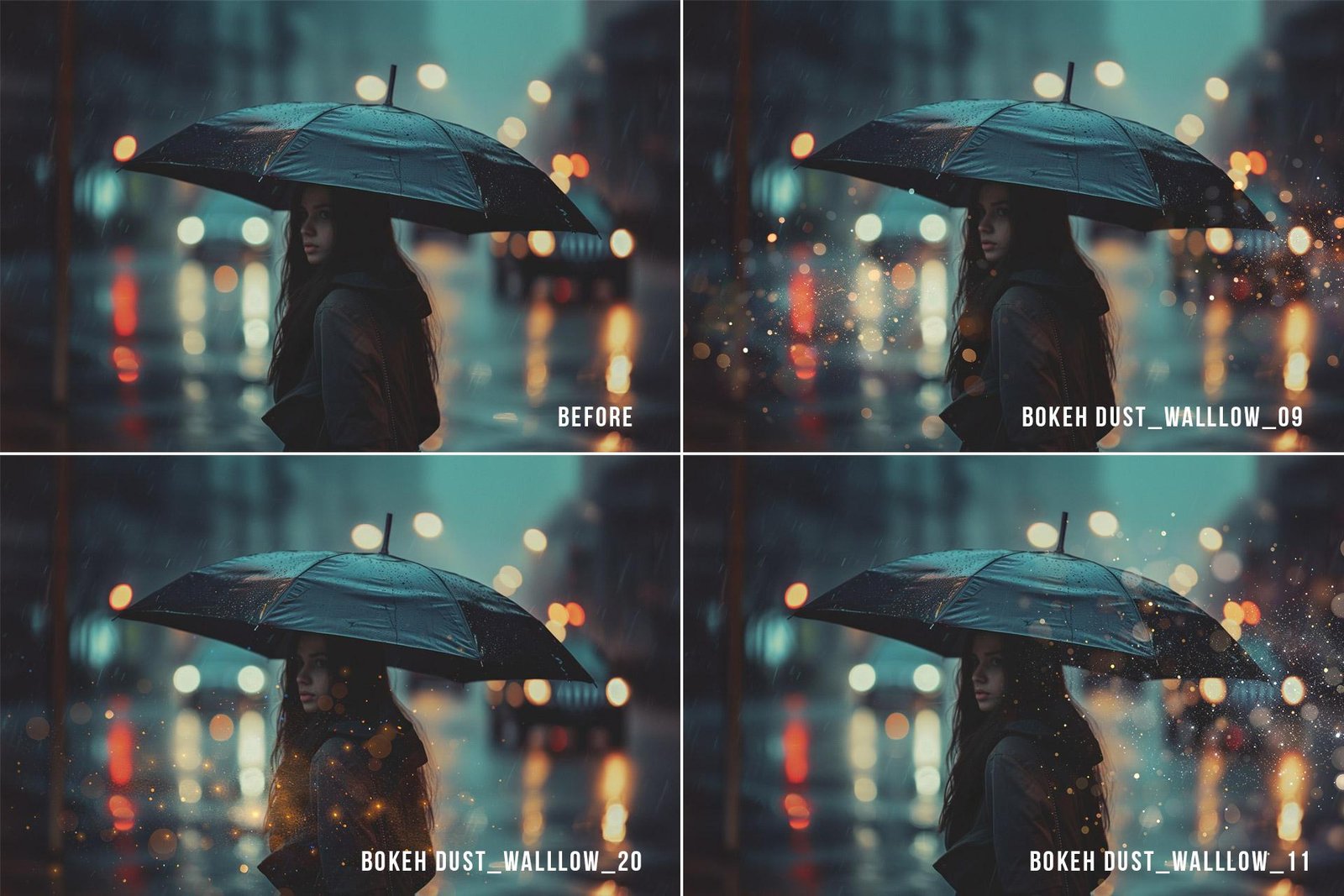
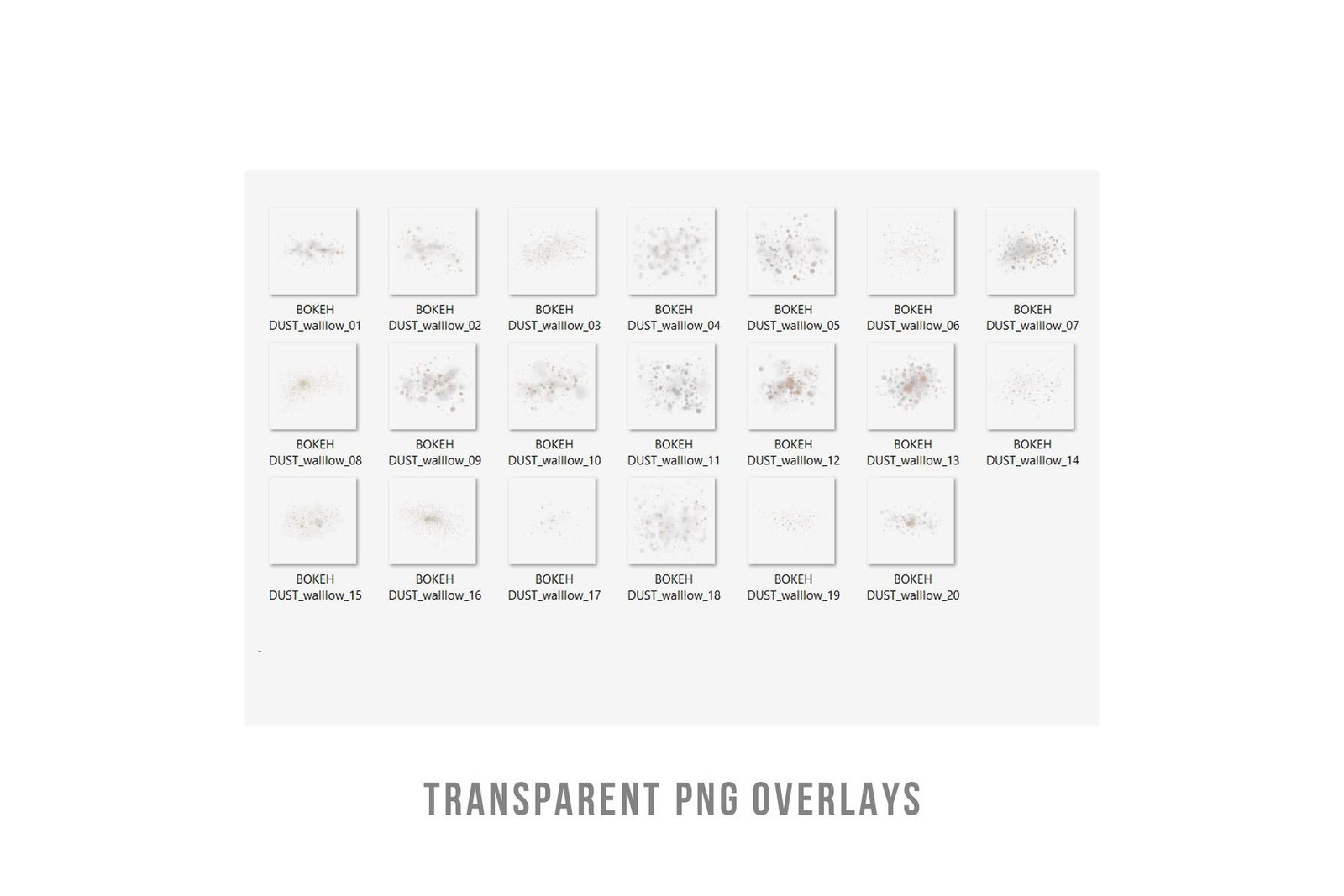
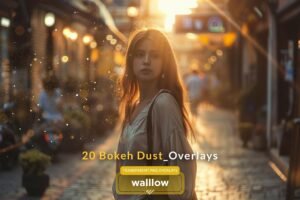
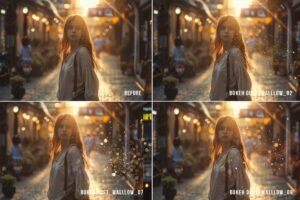
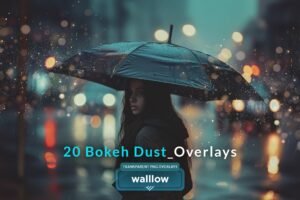
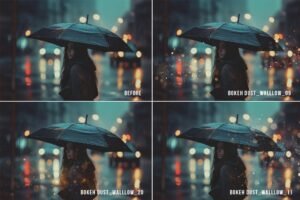
✨ Bokeh Dust PNG Overlays – Add Cinematic Light & Atmosphere to Your Photos
Turn ordinary photos into glowing, professional, client-ready images in seconds.
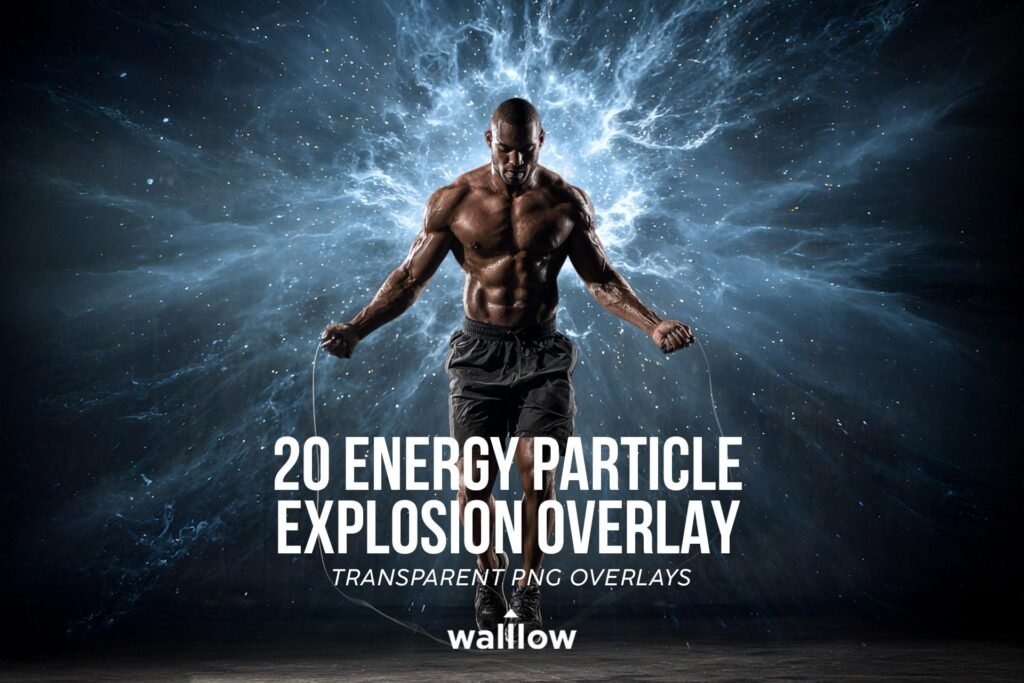
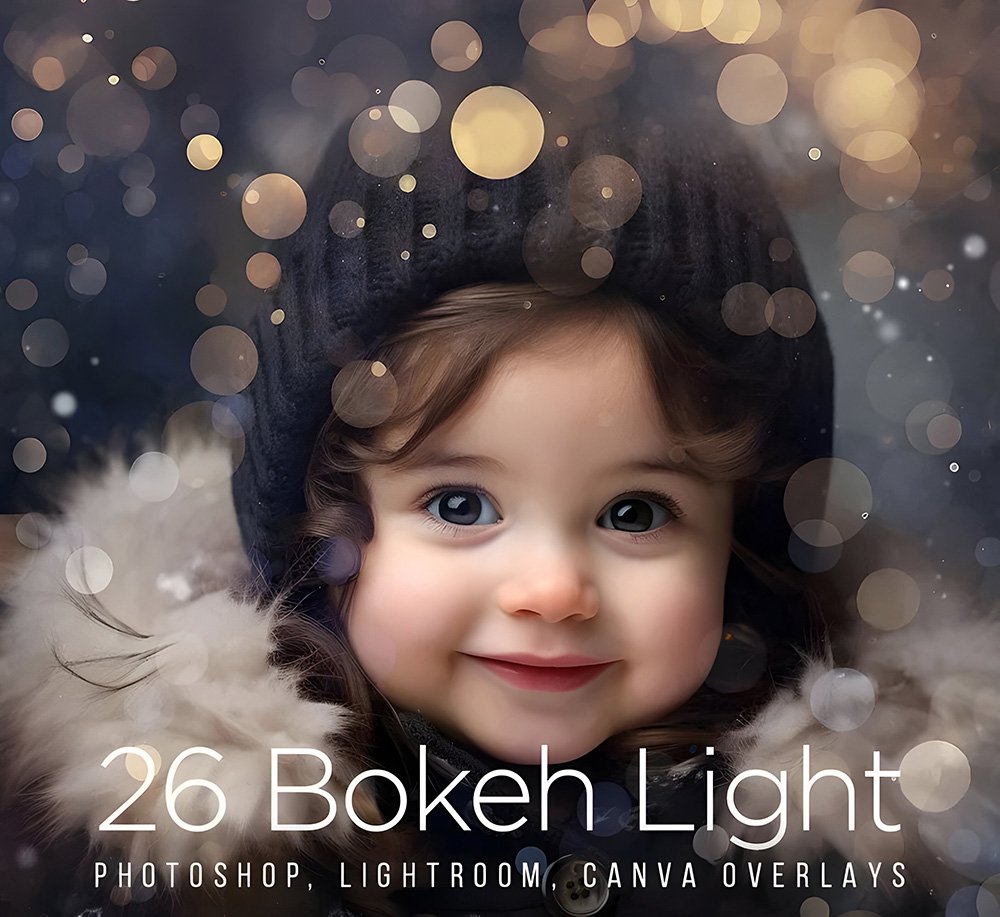
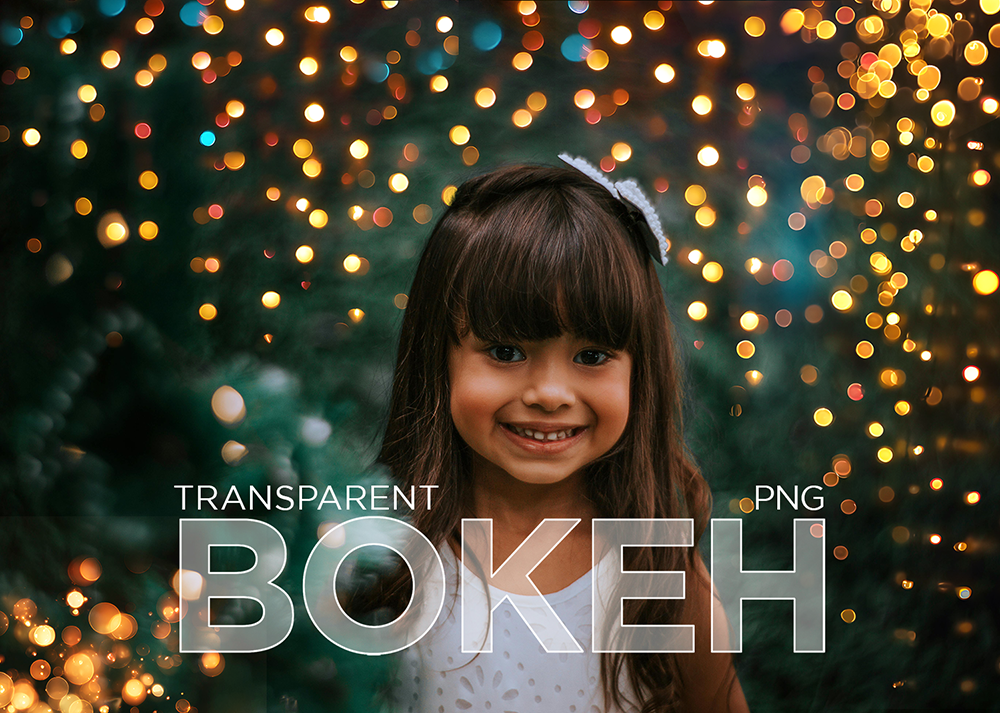
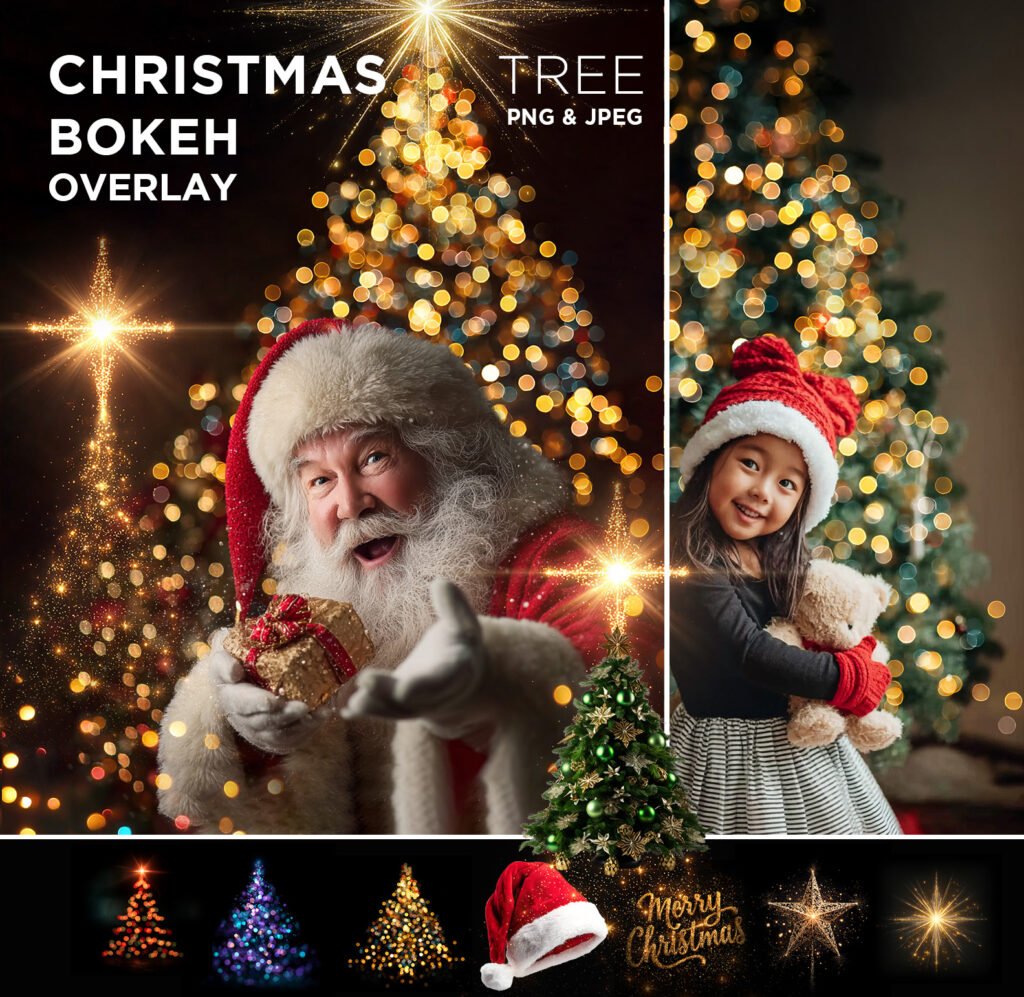
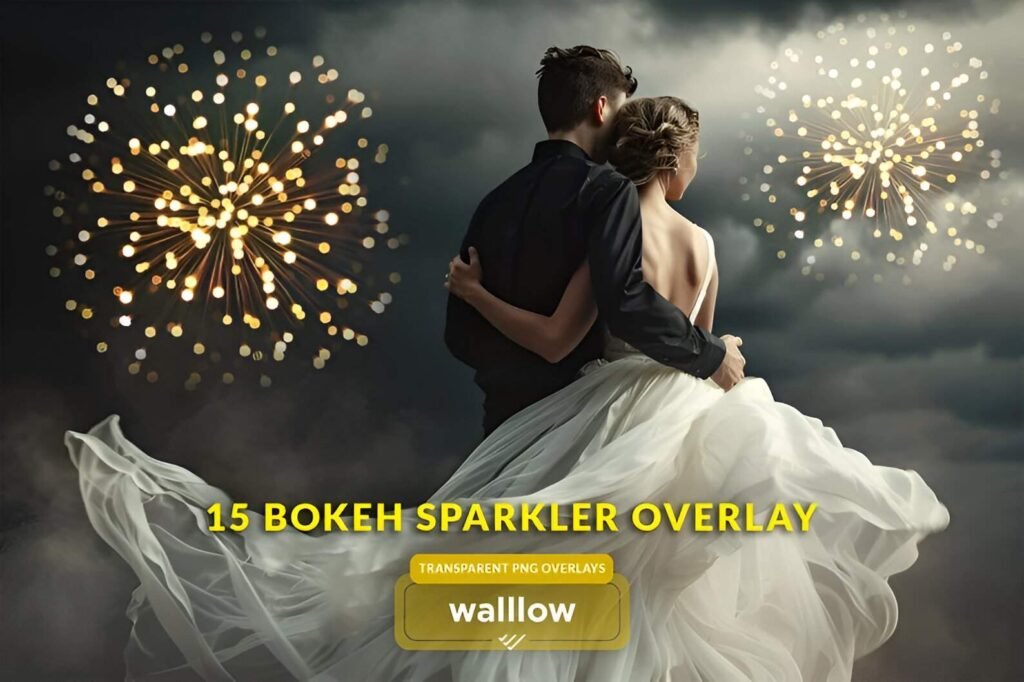
This pack includes high-resolution Bokeh Dust PNG overlays designed for wedding photographers, sports photographers, studio photographers, portrait photographers, and professional photo editors who want soft golden light, depth, and dreamy atmosphere — without complicated editing.
Whether you’re editing romantic wedding portraits, dramatic sports images, senior portraits, or studio shoots, these overlays instantly add warmth, sparkle, and visual impact.
🎯 Perfect For
❤ Wedding photography & engagement sessions
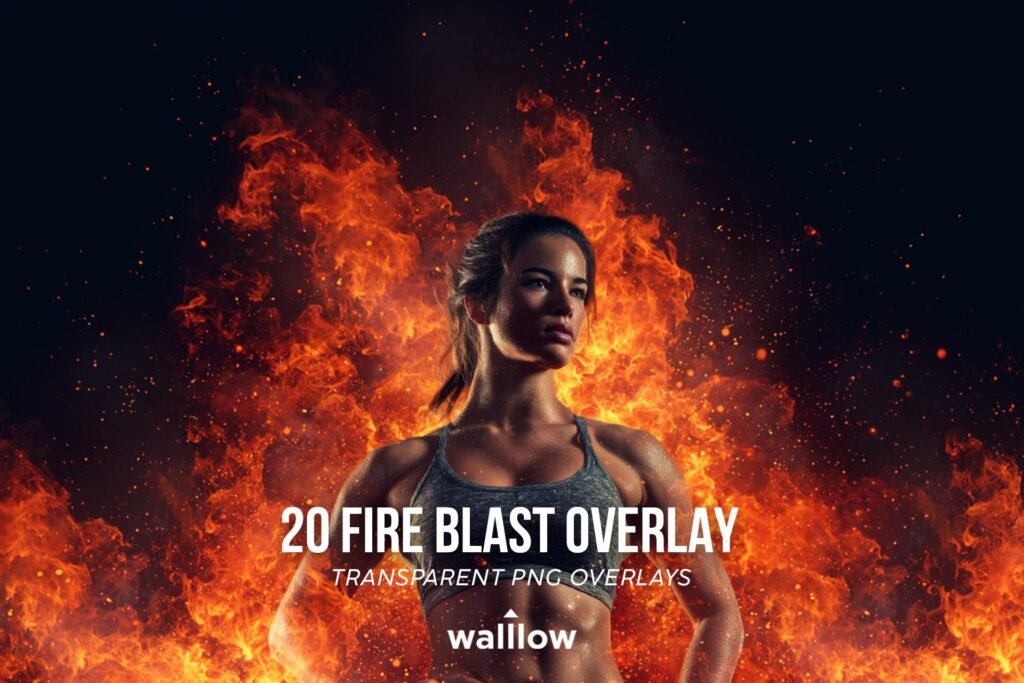
❤ Sports portraits & athlete edits
❤ Studio & fine art portraits
❤ Senior photography
❤ Romantic & golden hour edits
❤ Social media & marketing visuals
🌨️ What You’ll Receive:
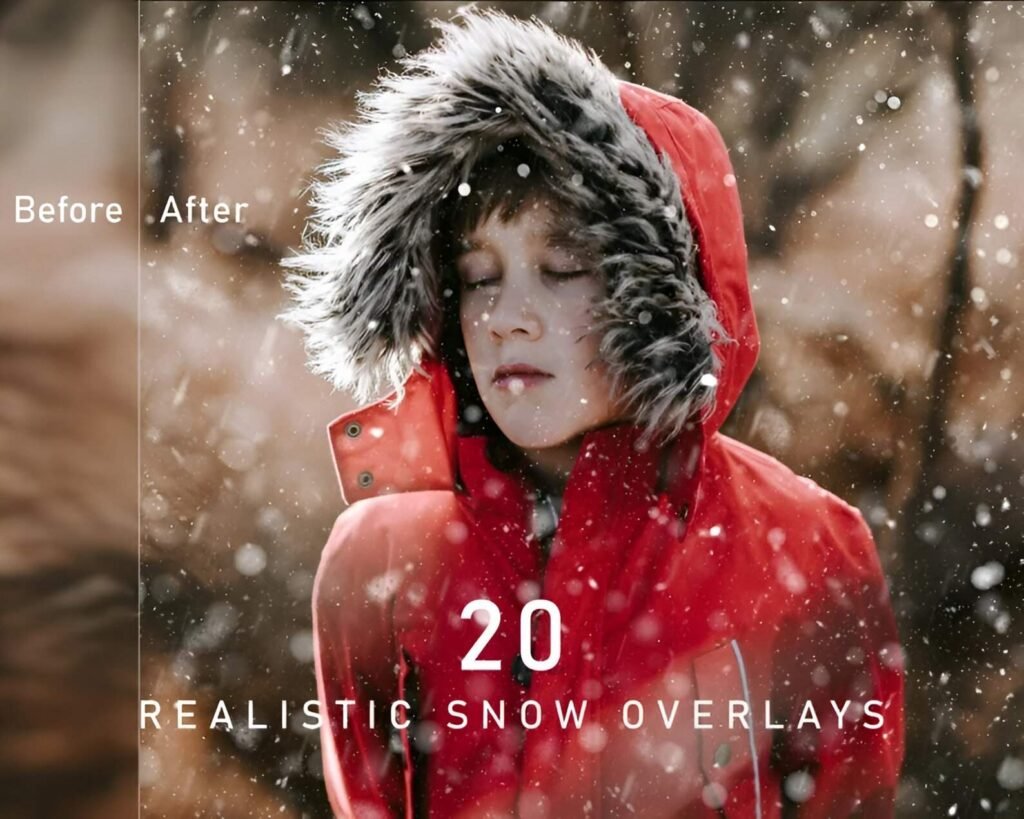
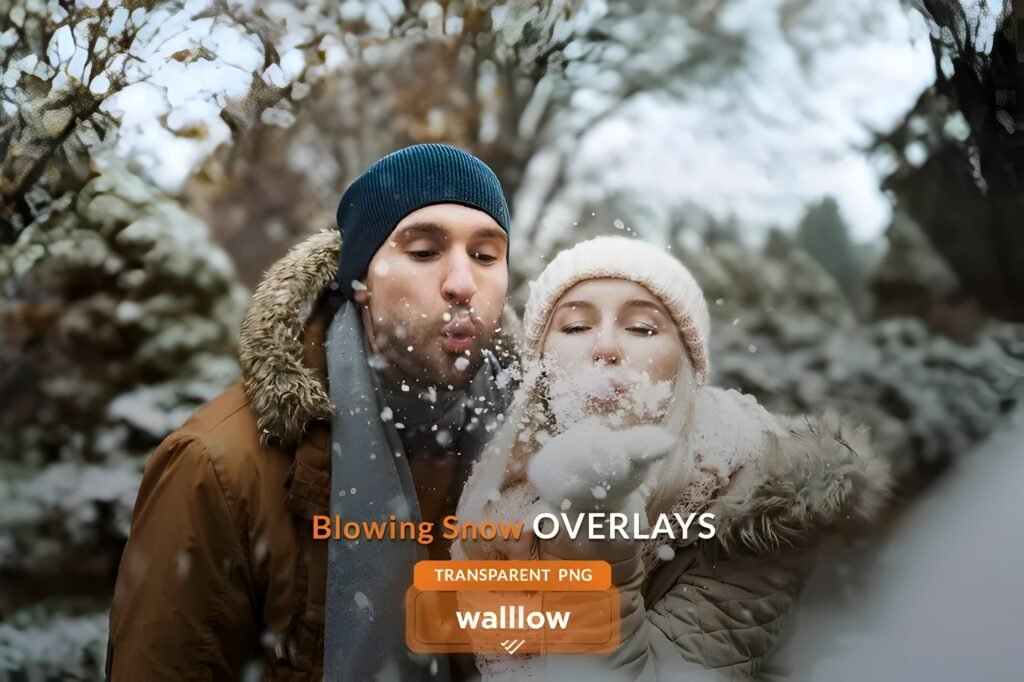
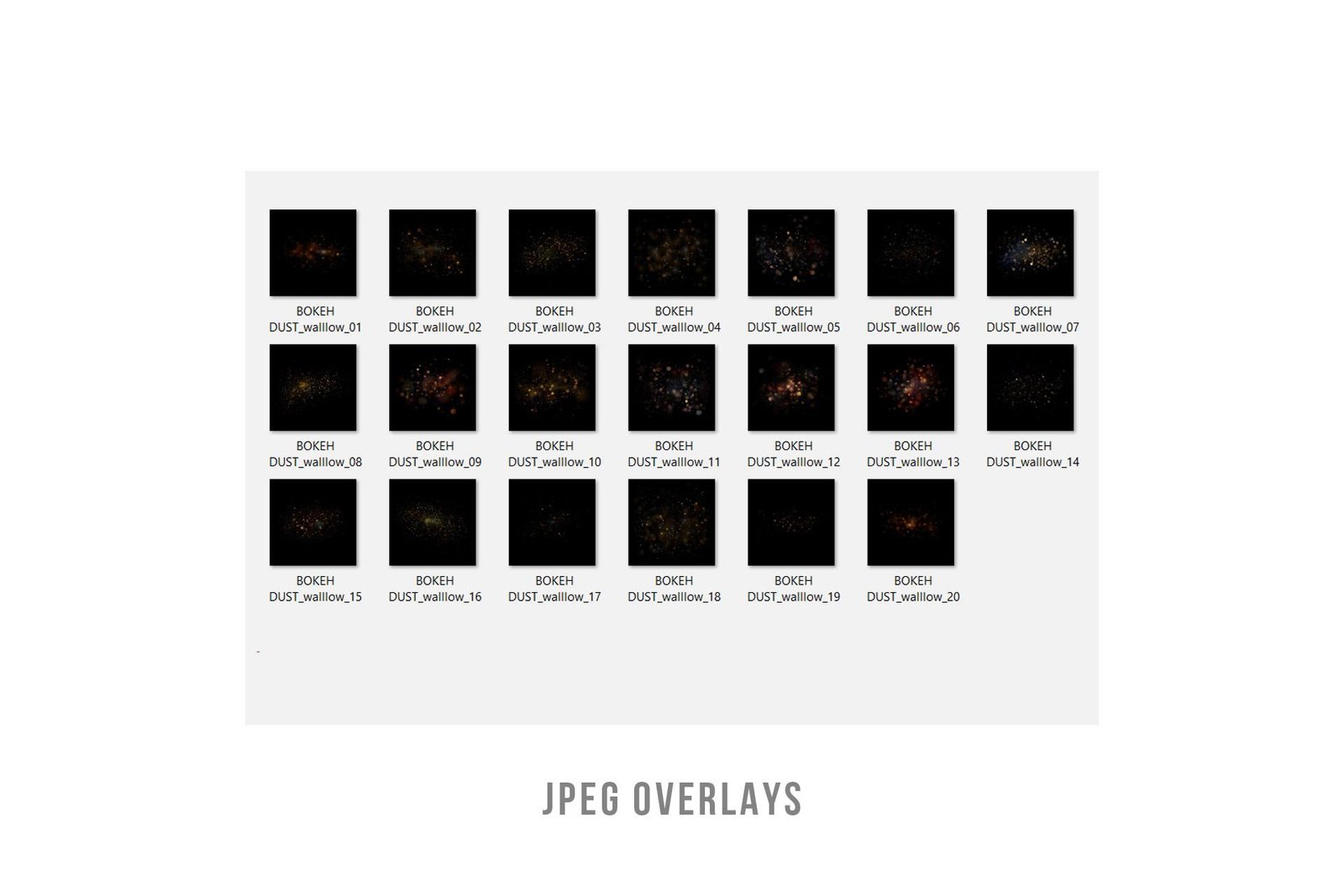
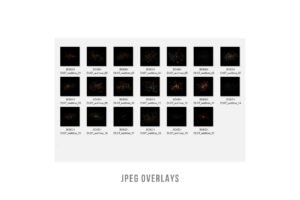
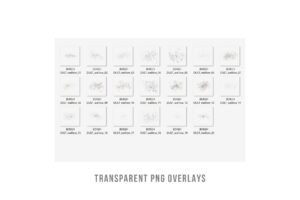
✔ 20 high-resolution photo overlays and Digital Backdrops
✔ Transparent PNG and JPG files
✔ 300 DPI, High Quality (HQ)
✔ size: 4096×4096 pixels
✔ help file
✔ Support! Please contact us with any questions at walllows [at] gmail.com
🛠️ Compatible With
✔ Adobe Photoshop
✔ Adobe Photoshop Elements
✔ Affinity Photo
✔ Adobe Lightroom & Lightroom Classic
(Desktop version only — not supported on mobile)
✔ Canva
Any photo editing software that supports PNG files
VIDEO TUTORIAL:
❄️How to use overlays in PHOTOSHOP:
www.youtube.com/watch?v=6qCbhQMzjk8
❄️How to use overlays in Lightroom:
https://youtu.be/bMh1cn2A0_4?si=8kWaV5vv7rHq50fG
❄️How to use overlays in Lightroom Classic:
❄️HOW to use TRANSPARENT PNG Overlays in CANVA:
https://youtu.be/vodJXisNtoA
A knowledge of Photoshop or a similar program is helpful.
DIGITAL FILE
This is a digital file, not a physical item, and it is licensed for both personal and commercial purposes. You’ll receive a PDF with a secure download link after purchase.
🤝 From Walllow
At Walllow, we help professional photographers and photo editors:
✔ Save time
✔ Edit smarter
✔ Deliver premium results
We test every photo-editing graphics on real images before release — so it works in real-world projects, not just demos.
👉 Free AI photo editing tutorials on our YouTube channel, https://www.youtube.com/@Walllow.Creative
If you have any questions or need help, just message us — we reply fast 😊