Skip to content

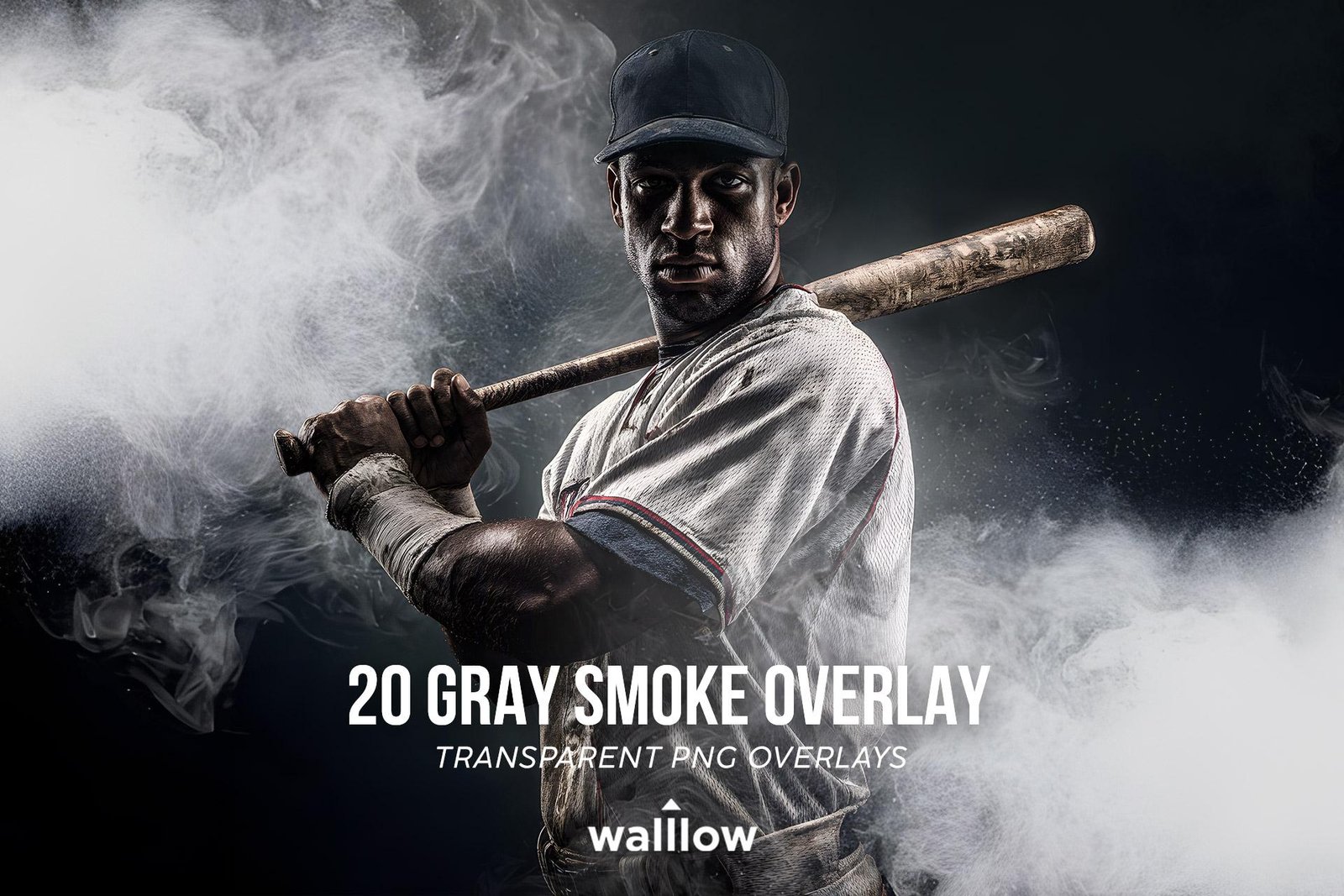
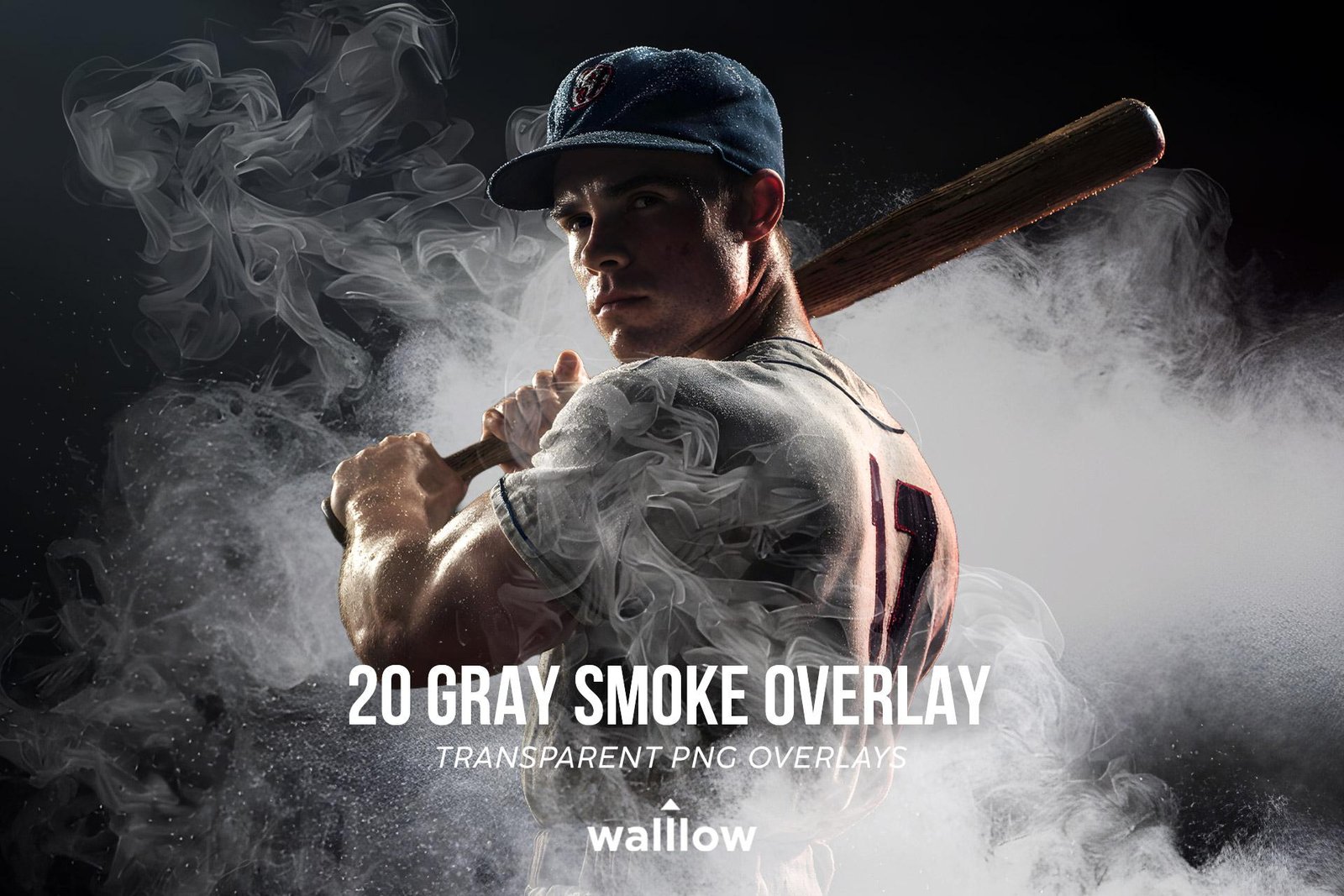
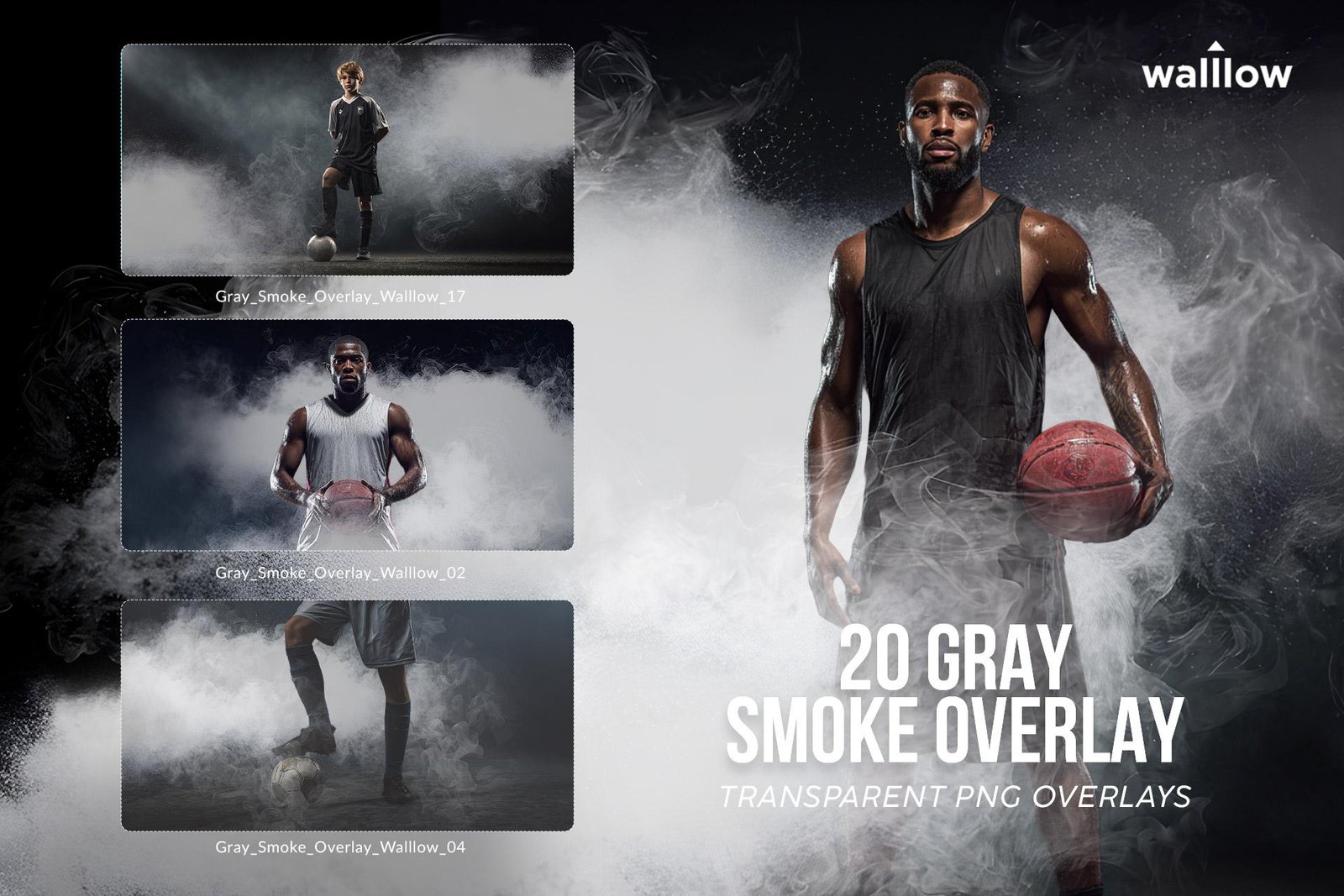
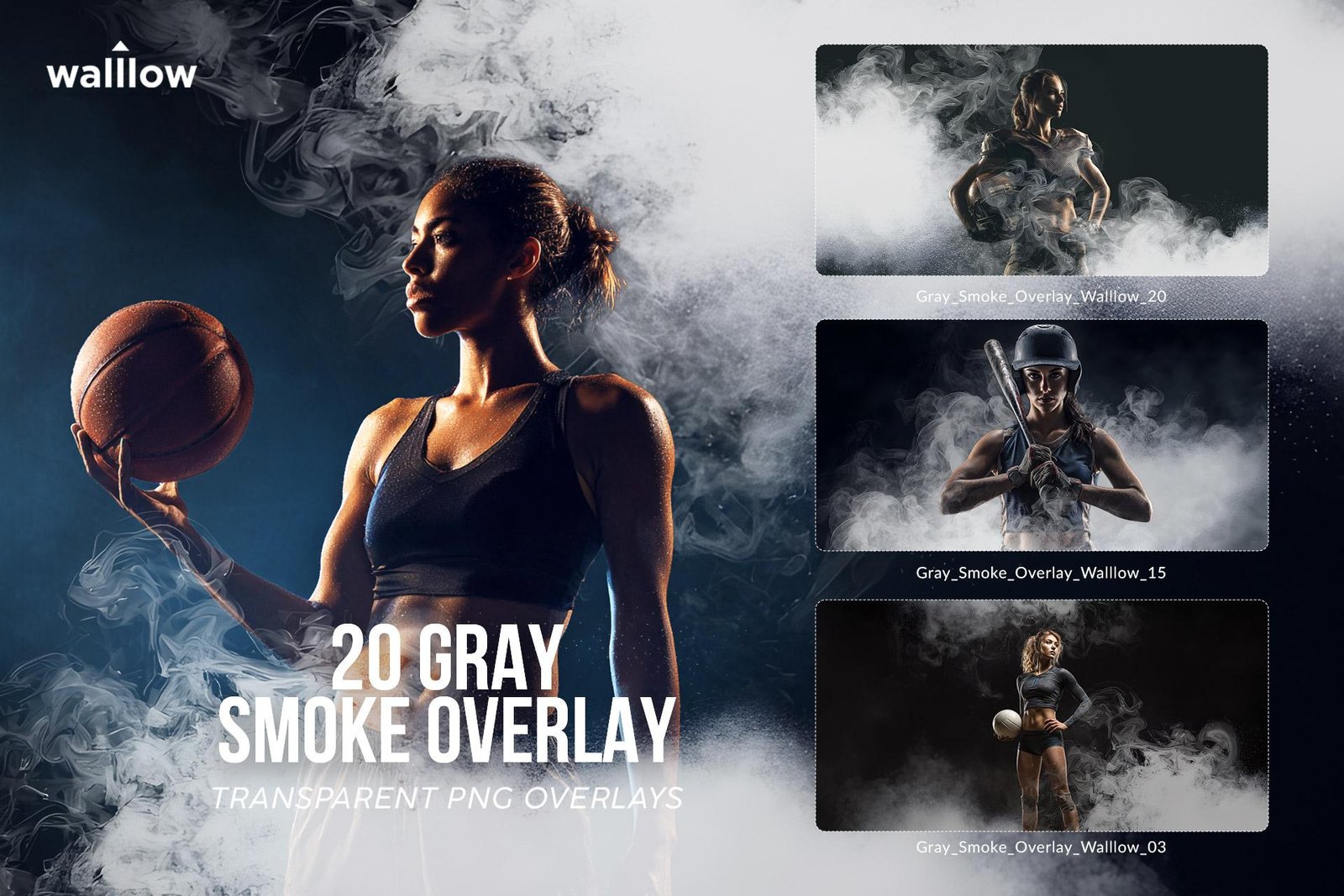
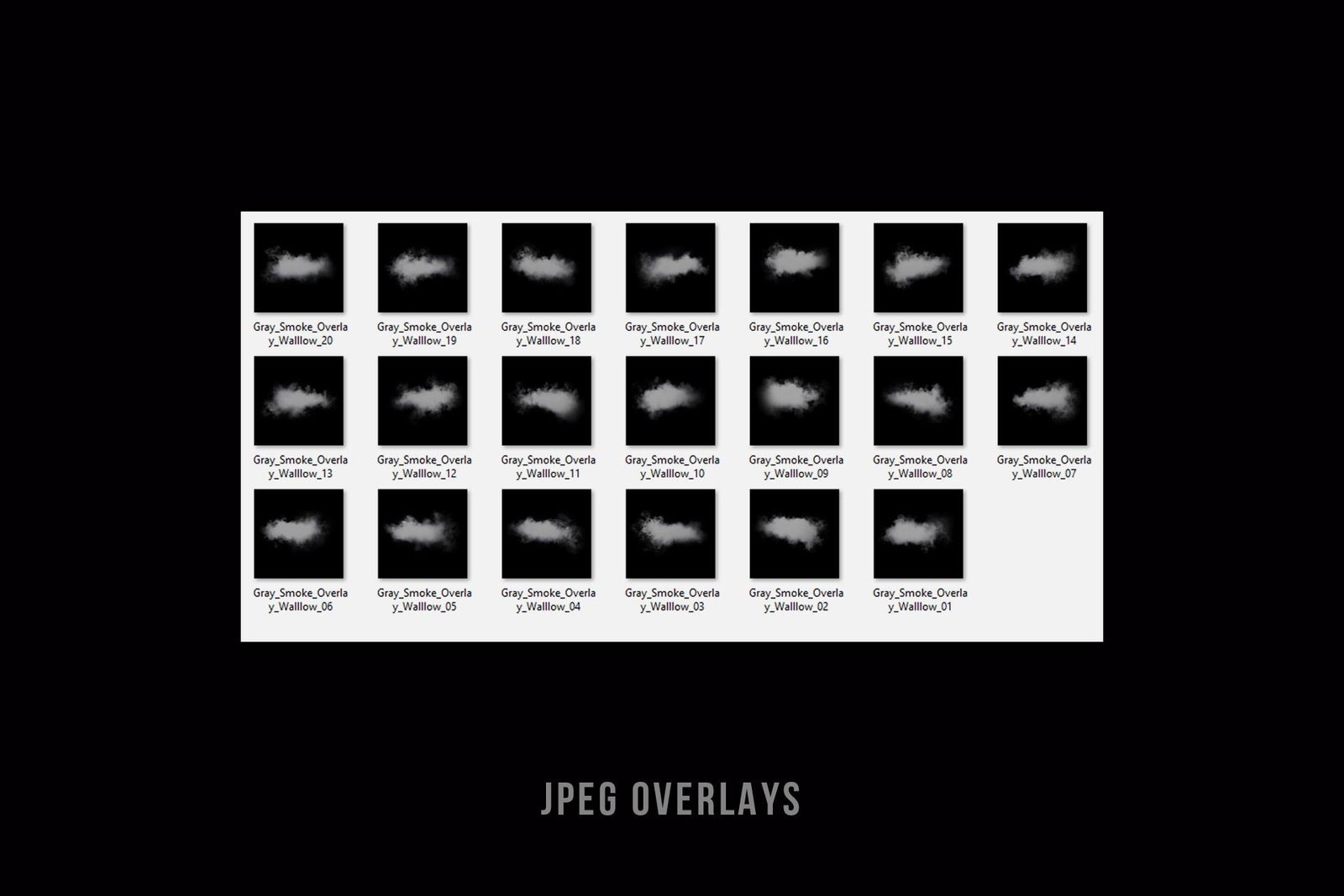
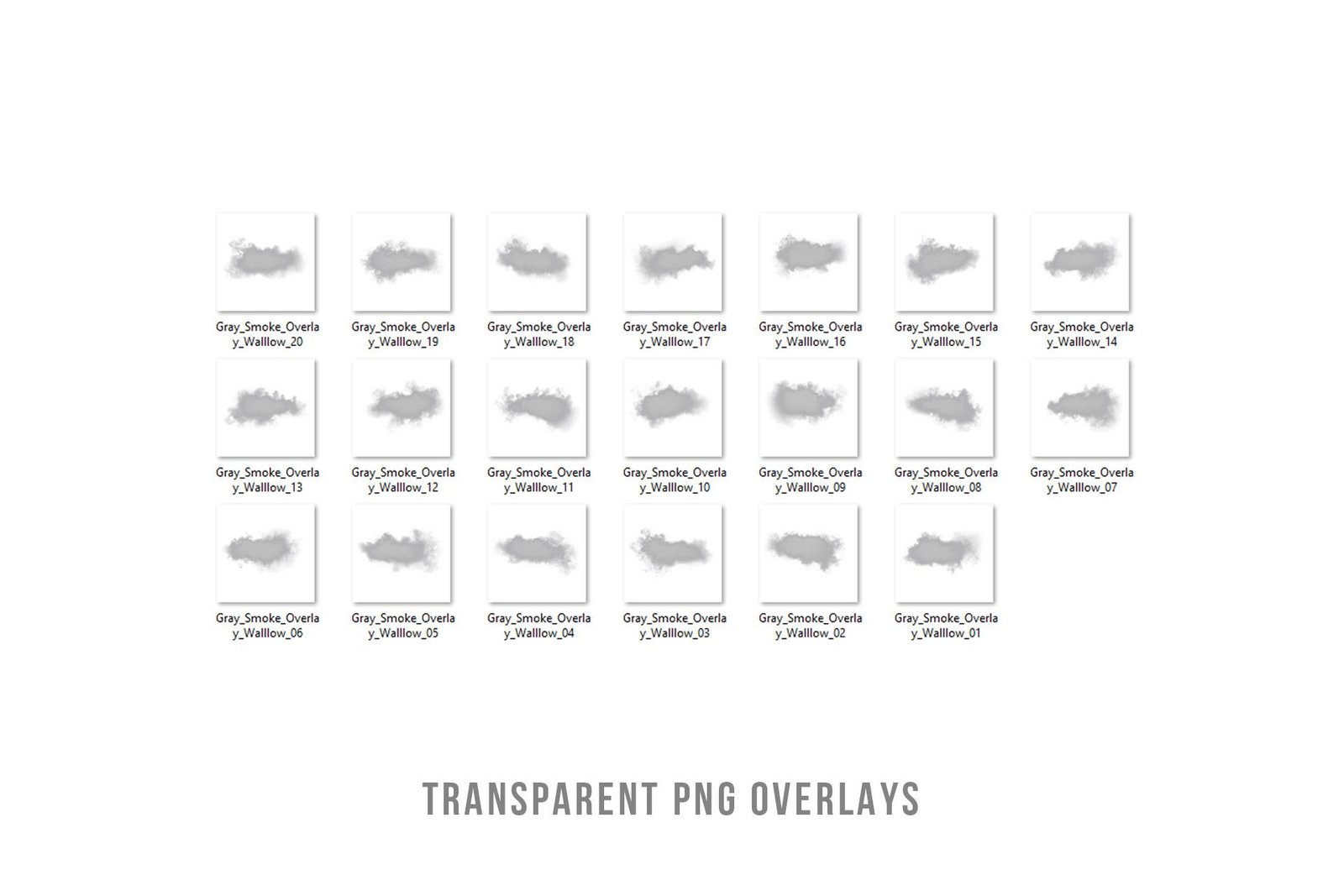
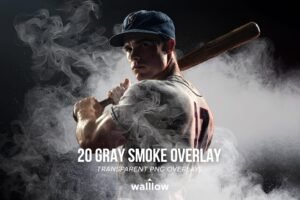
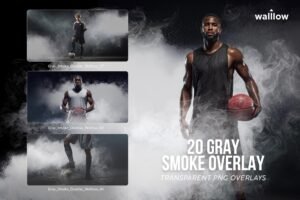
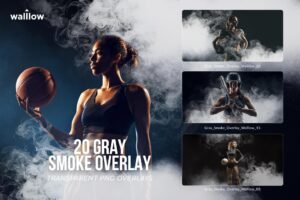
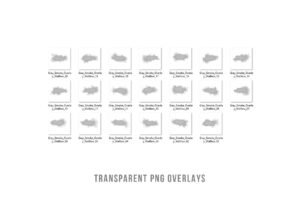
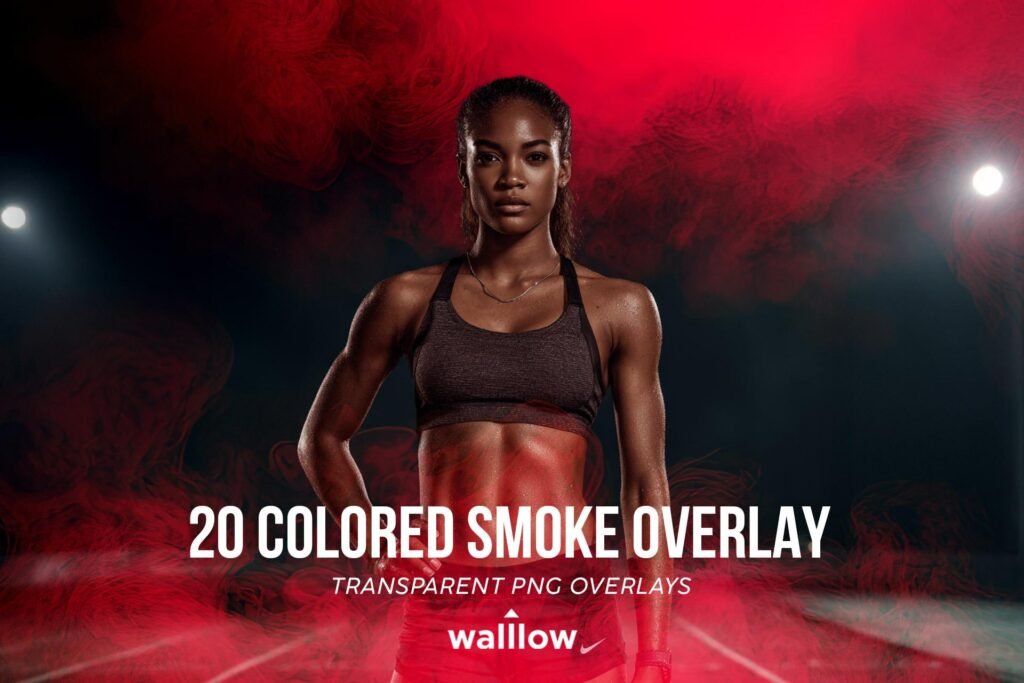
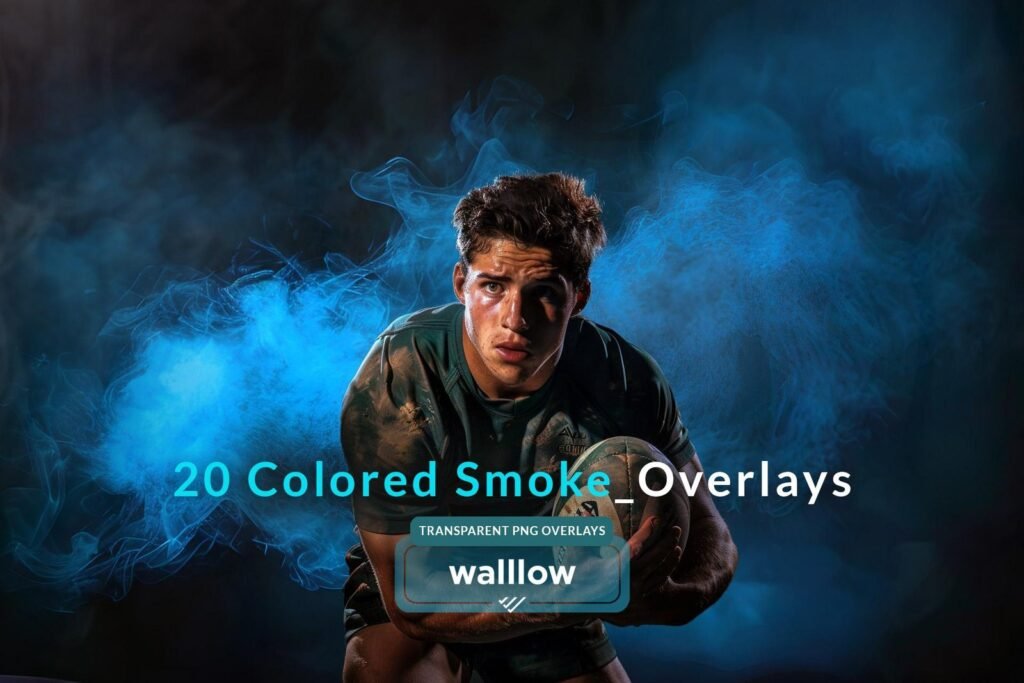
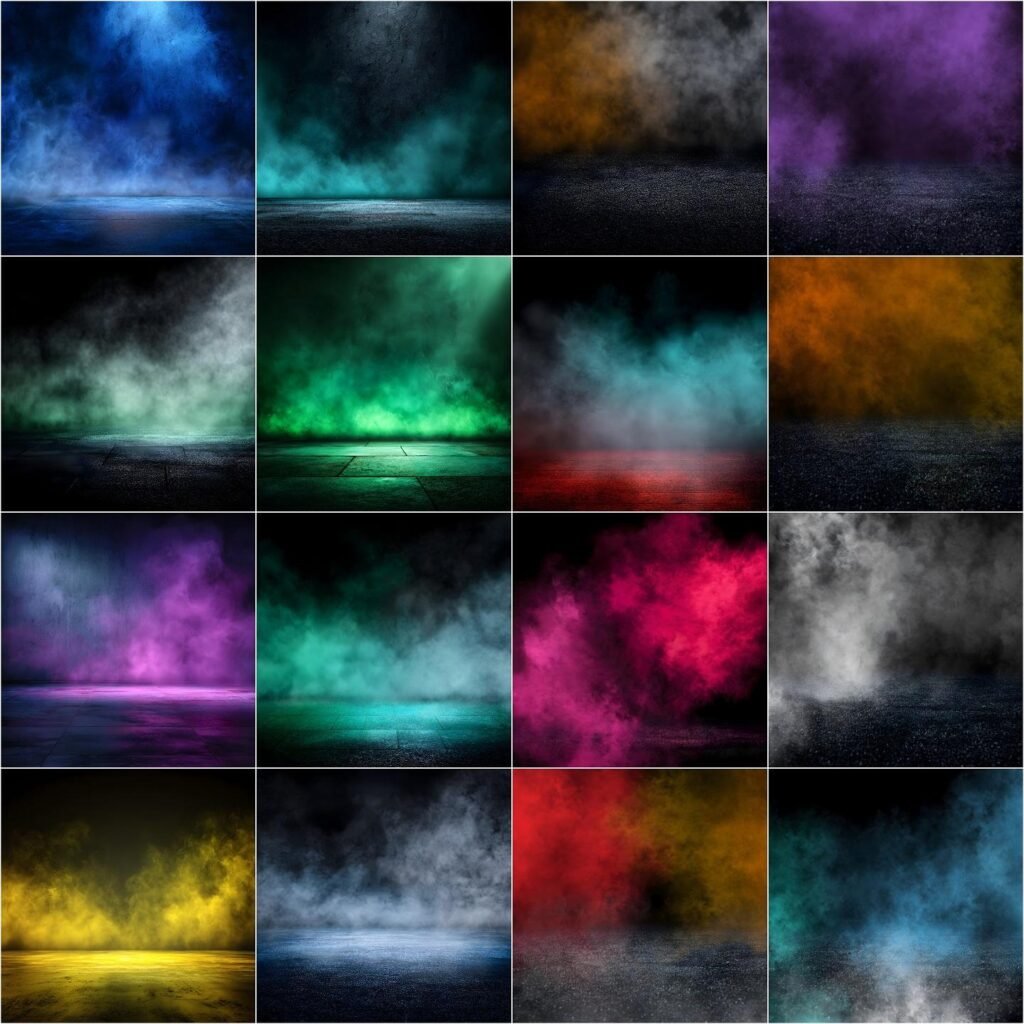
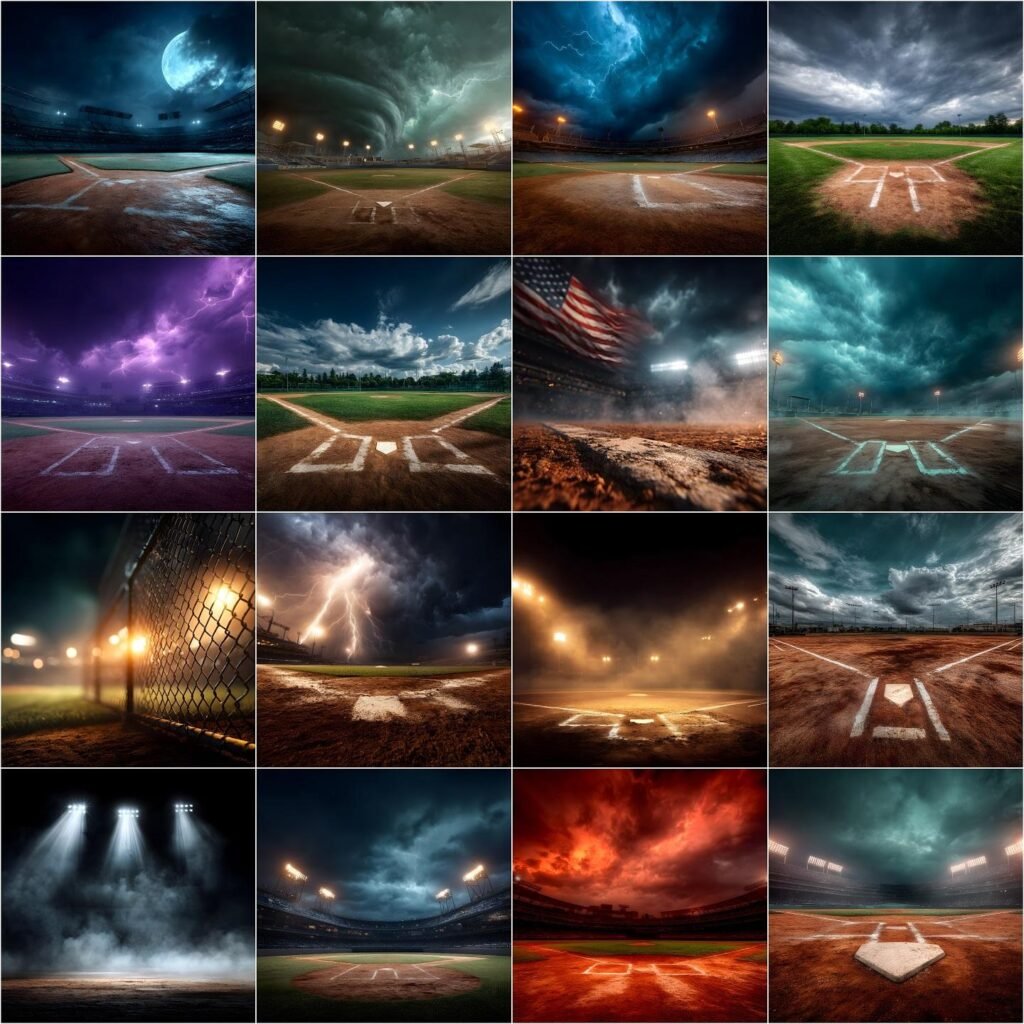
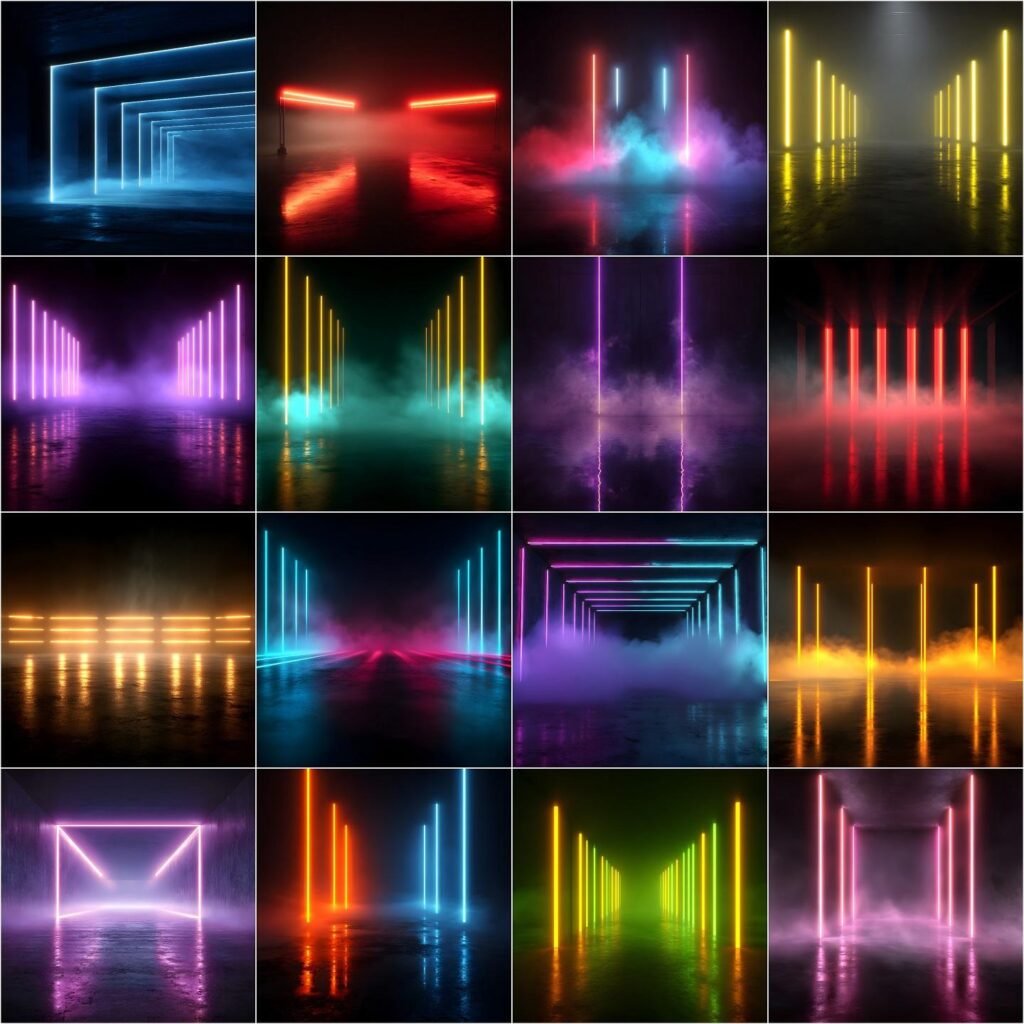
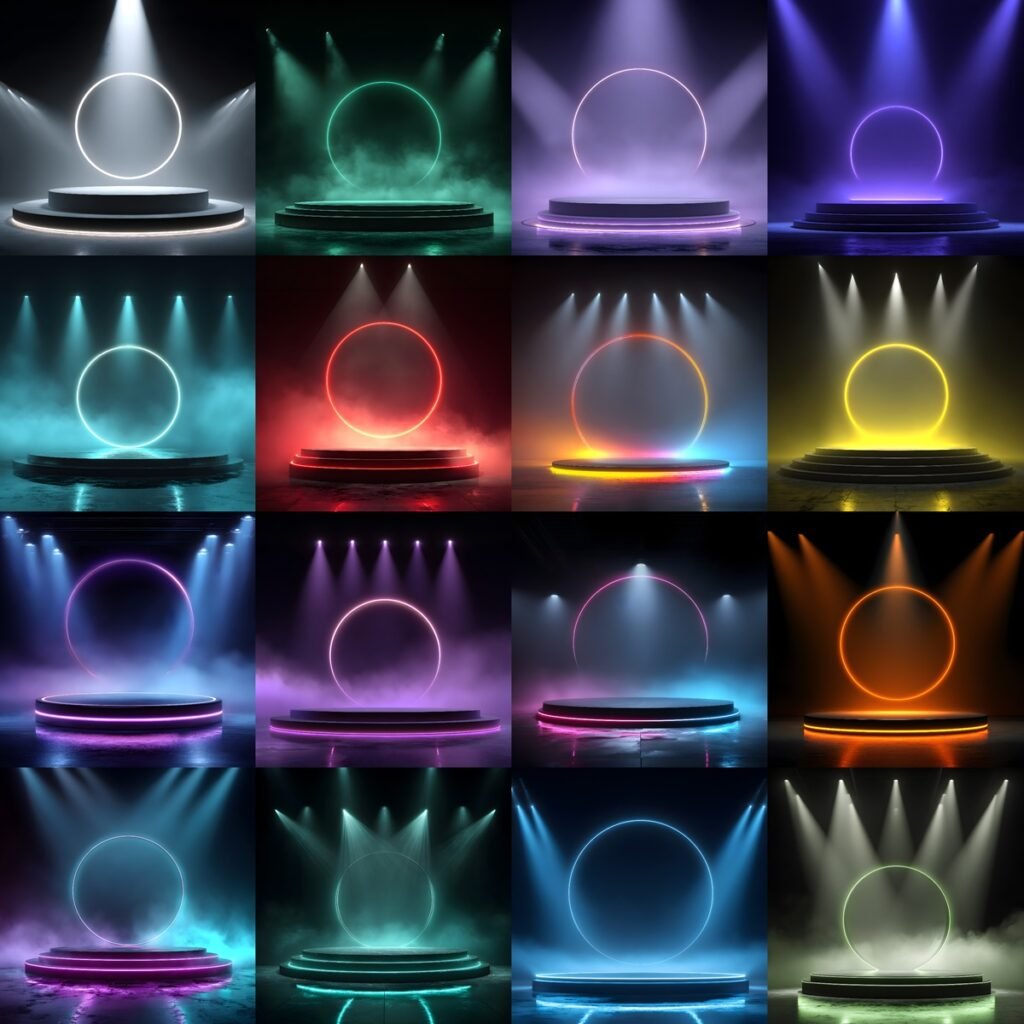
Transform your photos with 20 Realistic Smoke Overlay Effects, professional High-Resolution digital smoke textures designed specifically for photographers, sports creatives, and photo editors.
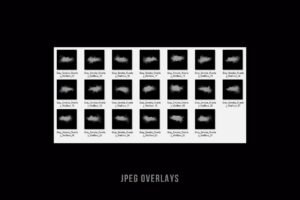
This instant digital download includes 20 premium quality smoke overlays in both PNG (transparent background) and JPG formats, perfect for adding dramatic smoke, fog, and atmospheric effects to your images in Adobe Photoshop, Lightroom, Canva, and most photo editing software. Use them to enhance sports action shots, portraits, banners, posters, commercial visuals, and cinematic edits with realistic smoke that adds depth and intensity
🎯 Perfect For
❤ Sports photography
❤ Athlete portraits & team banners
❤ Fitness & gym photography
❤ Action & motion edits
❤ High school & college sports media
❤ Social media sports visuals
🌨️ What You’ll Receive:
✔ 20 high-resolution photo overlays and Digital Backdrops
✔ Transparent PNG and JPG files
✔ 300 DPI, High Quality (HQ)
✔ size: 4096×4096 pixels
✔ help file
✔ Support! Please contact us with any questions at walllows [at] gmail.com
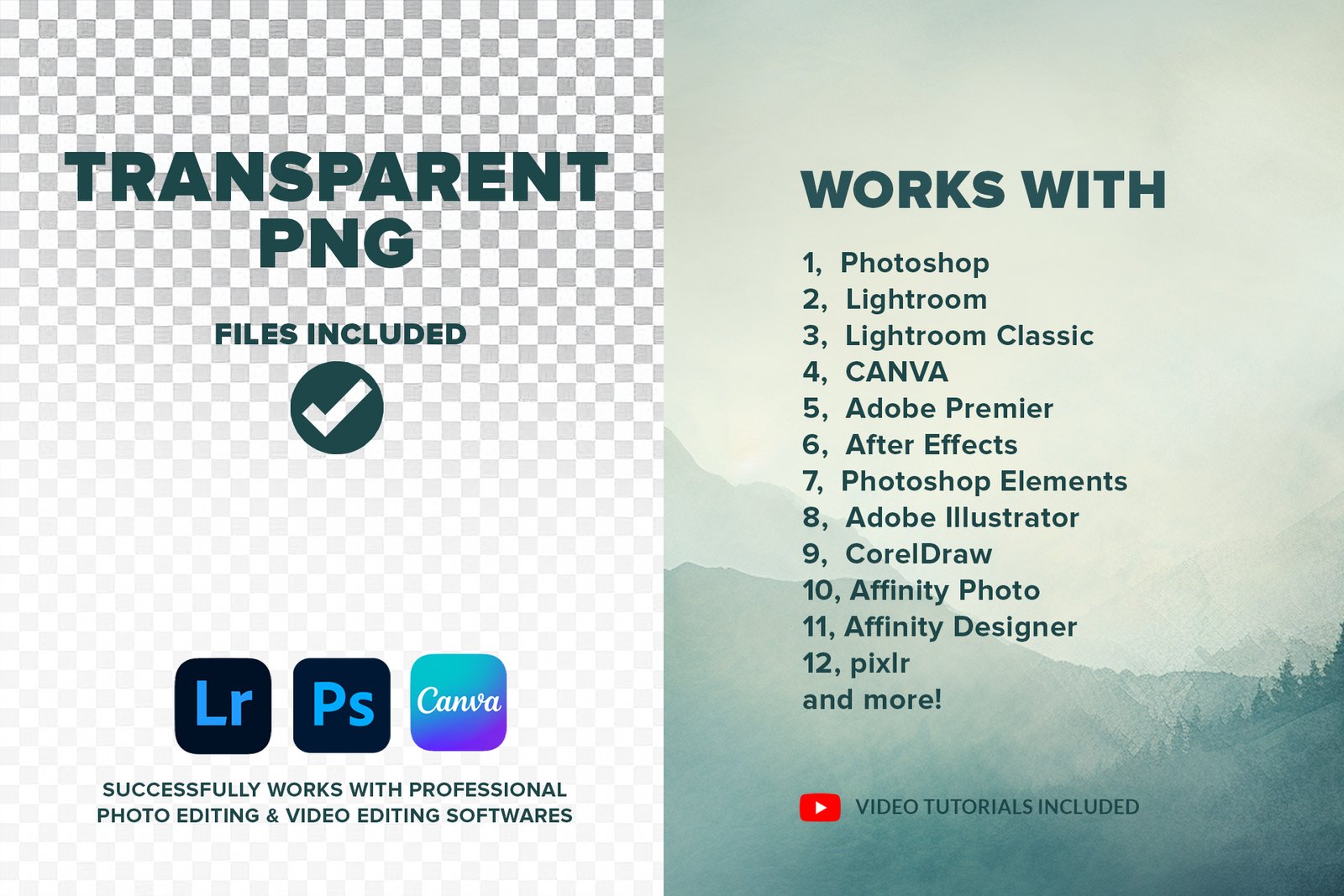
🛠️ Compatible With
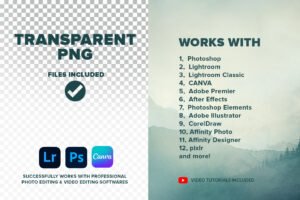
✔ Adobe Photoshop
✔ Adobe Photoshop Elements
✔ Affinity Photo
✔ Adobe Lightroom & Lightroom Classic
(Desktop version only — not supported on mobile)
✔ Canva
Any photo editing software that supports PNG files
VIDEO TUTORIAL:
❄️How to use overlays in PHOTOSHOP:
www.youtube.com/watch?v=6qCbhQMzjk8
❄️How to use overlays in Lightroom:
https://youtu.be/bMh1cn2A0_4?si=8kWaV5vv7rHq50fG
❄️How to use overlays in Lightroom Classic:
❄️HOW to use TRANSPARENT PNG Overlays in CANVA:
https://youtu.be/vodJXisNtoA
A knowledge of Photoshop or a similar program is helpful.
DIGITAL FILE
This is a digital file, not a physical item, and it is licensed for both personal and commercial purposes. You’ll receive a PDF with a secure download link after purchase.
🤝 From Walllow
At Walllow, we help professional photographers and photo editors:
✔ Save time
✔ Edit smarter
✔ Deliver premium results
We test every photo-editing graphics on real images before release — so it works in real-world projects, not just demos.
👉 Free AI photo editing tutorials on our YouTube channel, https://www.youtube.com/@Walllow.Creative
If you have any questions or need help, just message us — we reply fast 😊